Edit Videos Like a PRO in Seconds
Transform your videos with simple drag-and-scale tools. Crop, trim, blur, and enhance colors perfectly for Instagram, TikTok, and every social platform – all without watermarks.
Everything You Need to Create Perfect Videos
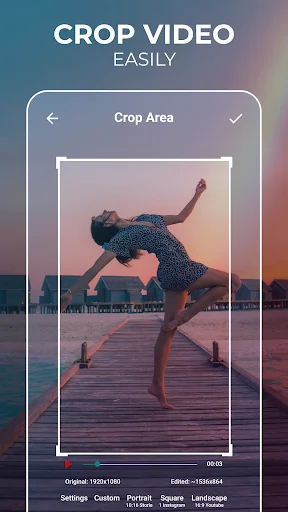
Crop Videos Perfectly Every Time
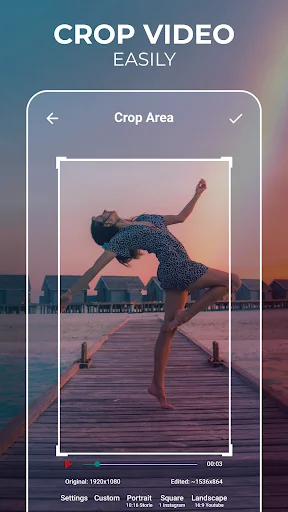
Resize your videos to fit any social media platform with predefined aspect ratios or create custom sizes. Simple drag-and-scale controls make it easy to frame your content exactly how you want it.
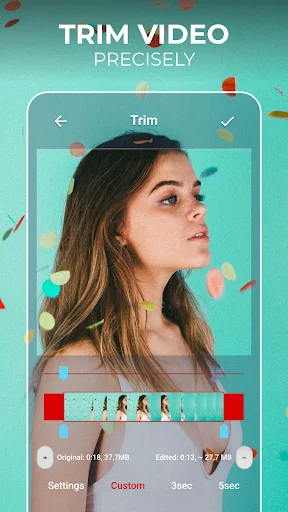
Trim Away the Unnecessary Parts
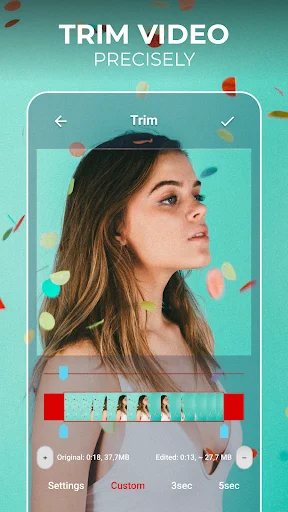
Remove unwanted sections from your videos in seconds. Just select the start and end points, tap the button, and you're done – no complicated timeline editing required.
Blur Anything You Want to Hide
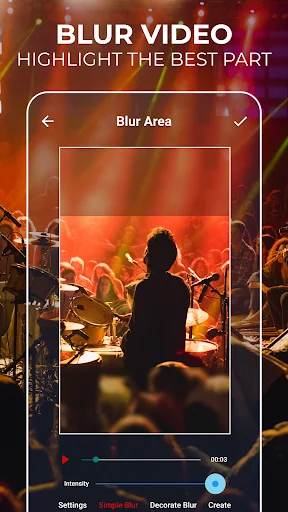
Protect privacy by blurring faces, license plates, or any sensitive information in your videos. Select the area you want to blur and let the app handle the rest automatically.
Share Clean, Professional Videos
Export your edited videos without any watermarks cluttering your content. Your creative work stays yours, ready to share with friends or post to your social media accounts with confidence.
About
Ultimate Video Editor - the easiest way to Cut, Crop, Blur and Trim Videos
Edit Videos like a PRO with Video Cutter and Video Trimmer features!
The easiest way to Cut, Crop, and Trim Videos!
Video Cutter & Trimmer helps you trim and crop video, removing unwanted portions. You can blur video as well, or avoid cropping and enhance video colors easily like in Photoshop. Simple video editor for all your needs!
Edit Videos like a PRO
Simple to use drag and scale part of the video that you want to crop, blur or select the trim interval. You can crop, trim, blur video, and enhance colors for the social networks. Create a masterpiece and share it with friends on social media with ease. All video editing tools that you need in one place!
Cool Features of Trim & Crop Video Editor:
- Crop video - Use the video resizer feature to resize the video to the size that meets your needs. There are various options available, where you can choose from predefined sizes to any custom size!
- Trim and cut video - The video trimmer feature enables you to set the video's interval that you want to trim. When you set it, tap the button and get it done!
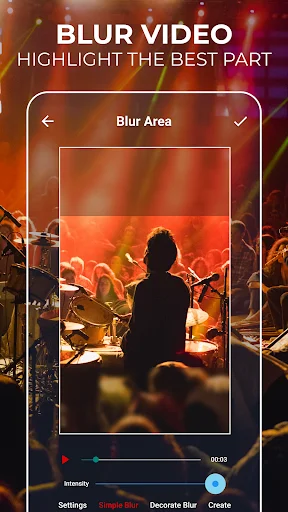
- Blur video - Do you want to blur video parts, some faces, or any other area of the video? Just use the blur video feature, and the problem is solved!
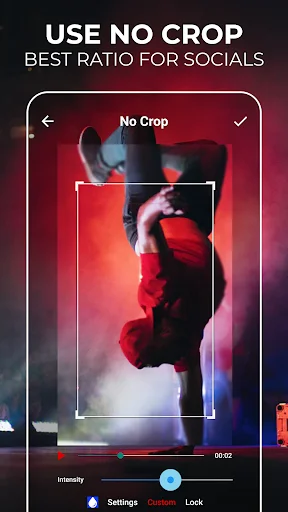
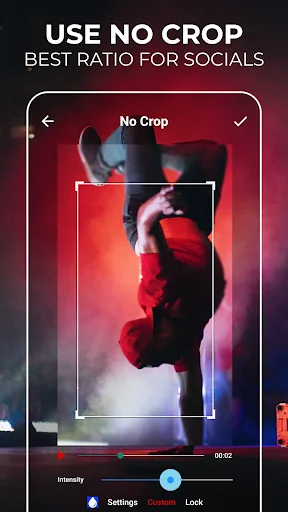
- No crop video - Use the video's full size and make it fit without cropping. No crop video feature offers you more predefined and most often used aspect ratios, but you can also set a custom one.
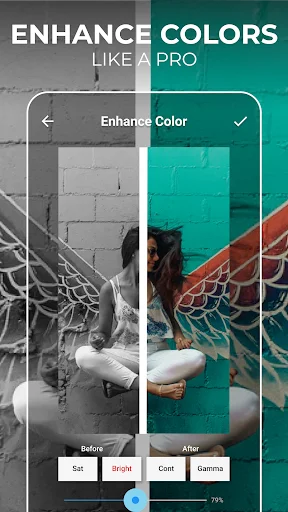
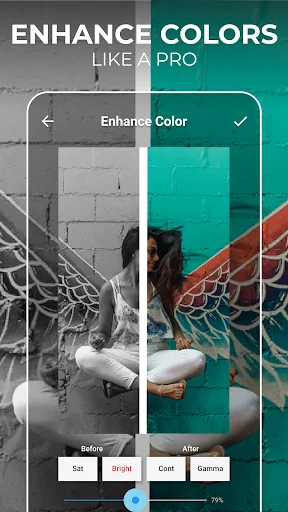
- Enhance video color - Select specific parts of your video and adjust colors. Change the saturation and make it more vibrant!
- No watermark - You can edit videos without any watermark!
- Social networks - Post your creative usage of our app on social networks, get followers or views, and you can get featured in our app! Crop and Cut Video for your social media!
- Share videos - Share your video editing creations with your friends or with your community and let them know about your creative work.
Unique Video Cutter & Trimmer
If you need a quick and easy way to cut videos - you found it! Video Cutter with all the editing tools you need. Most importantly, it's easy to use! Edit videos easily with the best video editing tool. Cut & Crop Video instantly!
Blur Video Easily
Yes, we have this great feature as well! Blur video parts easily and create unique content.
Video Trimmer
Set the video's interval that you want to trim, and it's done!
Video crop, cut & trim - How to edit videos?
- Select the video
- Set trim or blur position with width and height or select the interval to cut videos
- Click on the crop, trim, enhance colors or blur video
- Preview and share
- Easy video cutter, cropper, trimmer, or enhancer
For any suggestions, contact us at support.videocrop@zipoapps.com
The only video cutter and trimmer you'll ever need!
Edit Video like a PRO and share it with your friends on Instagram and TikTok easily!
Start using a video editor app with amazing features and make your video more engaging! Blur video parts, enhance colors, trim, crop video, or use the no crop video feature - Show your video editing skills!
Disclaimer
All product names, logos, brands, trademarks and registered trademarks, which are not owned by us, are property of their respective owners.
All company, product and service names used in this app are for identification purposes only. Use of these names, trademarks and brands does not imply endorsement.
The Crop, Cut & Trim Video Editor app is owned by us. We are not affiliated, associated, authorized, endorsed by, or in any way officially connected with any 3rd party apps or companies.
See How Simple Video Editing Can Be
Trusted by Millions of Happy Video Creators
Heavyweight Champion of Video Cropping! This app is the best video cropping solution out and no other app comes close. Very simple. Gives us what we want with a few extra bells & whistles that are usable and not just dead weight. Like earlier reviewer stated, if you don't give this app 5 stars then your just a jerk because you DLd this app to crop video and that's exactly what it does and with no watermark nonsense. So I can't understand anything less than 5 stars. If all app devs thought like this the world would be a perfect place. Btw check & see..I write reviews for no one! This may be the only time.
I have to be either blown away or disgusted to leave a review. In this case, I was blown away; this app is amazing. I really appreciate the app being watermark-less. I know that some of you leave less stars because the app is missing some features at the moment, but I'm very happy with what I use it for (crop and trim videos). I understand they need some kind of revenue and I appreciate the short videos that can be skipped in 5 seconds(just enough for the program to complete the editing process)
This app is... Really honest. It's free but it functions well and doesn't watermark your clips. It plays ads because it needs to in order to operate as a free app, but it plays them while your video is processing and you'd be waiting anyway. It kind of astounds me that there should be such a good app available for this purpose. It has a bunch of editing functions aside from cropping and trimming as well, including basic colour grading functions. Really, you won't regret downloading this one.
I've been using this app for 2-3 years now and I feel that it's time to do the right thing and give it 5 stars. My few years of editing wouldn't of been possible without this app. The only thing I would say is that that layout could maybe be a little prettier and good to look out but that isn't important. This app does what it's supposed and it does it with ease. Much love❤ (I've used this app across many accounts and differnet phones so the time I claim may seem off but this is the reason)
I had little expectations coming into this app, however it actually works fantastically! It's about the only app I could find that reliably crops videos for free and has a plethora of other video editing tools that are crazy good. The app itself does have quite a few ads, however for a free product I feel that this is completely fair and honestly the ads are not that intrusive. 10/10 would recommend this app it's an absolutely quality product!
This app is amazing I needed it to crop the actual image of my videos. So I downloaded it and of course, it asked me if I wanted to get the trial subscription and I passed. I was able to crop my videos extremely easily. Yes, there were ads as I didn't get the premium, but I was completely ok with that because it cropped the video while I was watching the ad so once the ad was over the video was done all for free. 100% recommend