Mirror Your Screen to Any Device Instantly
Share your phone screen to TV, computer, or tablet without cables, dongles, or extra software. Just scan a QR code and start mirroring in seconds.
Why Users Love Screen Mirroring
No Software Installation Required
Unlike other solutions, you don't need to install apps on your TV or receiving device. Simply open a browser, and you're ready to mirror your screen wirelessly.
Connect in Seconds, Not Minutes
Forget complicated setup processes. Scan a QR code with your phone, and your screen appears instantly on any device with a web browser on your WiFi network.
Works With Everything You Own
Mirror to smart TVs, computers, tablets, or any device with Chrome, Safari, Firefox, or Samsung browsers. One app works across all your screens.
Smooth, Secure Performance You Can Trust
Enjoy lag-free mirroring with a protected connection that keeps your data, files, and applications safe while you share photos, videos, presentations, or games.
About
Best mirror screen on market
Now the screen sharing is instant and easy. Enjoy flawless screen mirroring features. Duplicate screen of your phone or tablet to any device on your WiFi network.
Screen mirroring your phone screen to TV can be helpful when you're showing photos, videos, watching movies, or playing games. Stable and free screen sharing with the Screen Mirror app. Share screen to a TV or other devices on your WiFi network.
Screen mirror your phone to a TV or any other android device with a screen mirroring feature! Screen sharing has never been easier!
Screen Mirroring is ideal if you need a screen sharing to show your phone's screen at a presentation in front of an audience. Easily connect your device to any other android device. Use the screen mirroring feature for instant mirror cast.
Screen Mirror app helpful information:
- Screen Mirroring requires that your Android device and your target device are on the same WiFi network.
- SmartTV's might not work since some of their browsers do not support the needed features for Mirror app.
- Furthermore, an internet connection is required for screen mirror - cast to TV or other devices.
- Mirror app requires Android 5.0 or higher.
- Please be aware that Screen Mirroring transmits the content of your display (share screen), but not your device's audio signals.
- Mirror app works great with Google Chrome, Apple Safari, Firefox, and Samsung MU Series.
- For more information, please watch our how-to video on youtube (name: Android Screen Mirroring - Mirror your screen with Screen Mirror - Screen Mirroring via WiFi).
Mirroring made easy. Mirror Cast to TV and enjoy photos, videos, movies and games.
Screen Mirror your mobile screen on your TV can be useful when you're showing off photos from a recent trip, playing a game or giving a demonstration. With this Mirror App, you'll be able to cast your Android phone's screen on the TV screen.
This Mirror Cast App allows you to easily connect your device and your TV. It provides you a secure connection to protect your data, files and applications. Share screen is simple and easy to use and most importantly a free app!
With this Mirror app you can stream to TV from your phone without limitation. It helps you to stream movies, music and photos to your TV! This is one of the best screen sharing apps for android users.
Please be aware that the transmission offset (the amount of time the share screen is delayed) highly depends on your Androids Device computation power and the speed of the WiFi connection. For the best mirror cast results, ensure your WiFi connection is good. You should use a device with a strong processor.
Share screen with screen mirroring feature easily:
- Open screenmirrorapp.com on your device - Share screen to any device.
- Start the screen mirror process on your Android device - Fast mirror cast.
- Scan the QR code and screen sharing starts immediately.
Yes, screen sharing is as simple as that. No additional software on your remote device is needed for screen mirror.
Screen Sharing app mirrors the entire mobile screen to your smart TV without any lag or buffering. You can Play Videos, Music and Photos very easily from your phone. Sharing your screen with TV is very easy with the Mirror app. Screen Mirroring - Share Screen app provides you a secure connection between your mobile and TV to protect your data, files and applications.
Now you can enjoy screen sharing! Mirror Cast phone to a TV or other devices and share screen instantly!
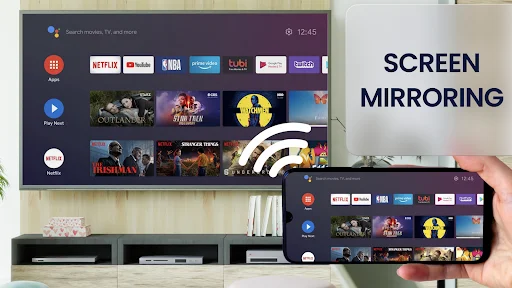
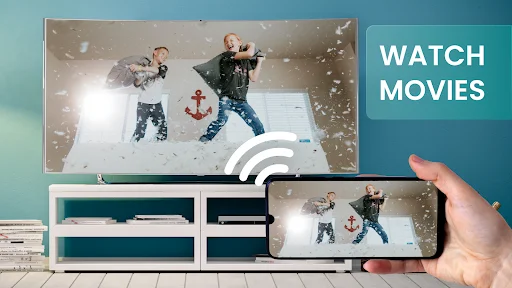
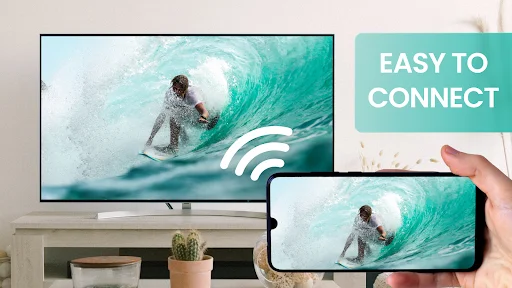
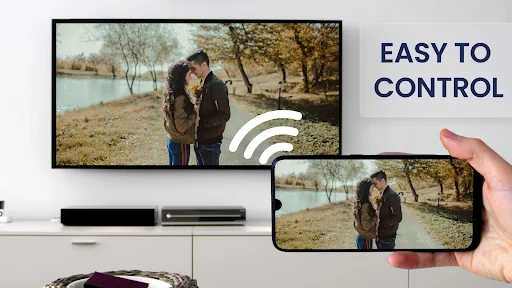
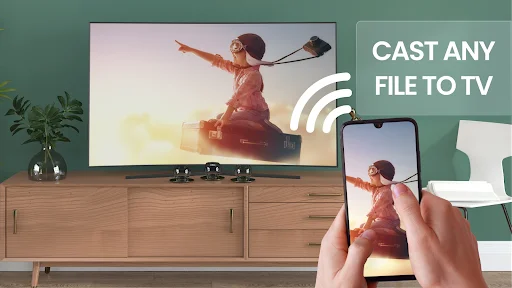
See How Simple Screen Mirroring Can Be
Join 10 Million Users Who Mirror Every Day
This is the best screen mirror app I've used. There is literally no lag between the device and the tv because it's uses your ip address and a dedicated website and it even gives you the option of making your own custom port if you buy the full version. I bought the pro version just because the maker of This app sure as heck deserves it. AND TO SMART DATO : PLEASE DON'T CHANGE OR UPDATE ANYTHING ITS PERFECT THE WAY IT IS 😎🔥
Screen Mirror has been the most useful application I have come across for use at work. I originally installed this app as a substitute chromecast and it has out-performed it in an internet-demanding workplace which says a lot of great things in itself. Overall, the developers have been super quick to reply to feedback and suggestions. Definitely go Pro and support the developers and their work. It's worth it!
This app is AMAZING 👏 I installed and literally clicked on one single button and it connected to my TV . It took about 1-2 minutes to installed and connect. The creator of this app really deserves a trophy 🏆 and a clap 👏 AMAZING
I really like this app. Other apps I've used have a watermark right in the center of the screen. this app mirrors perfectly and easily from Android to PC, and is extremely user friendly. Thanks!
Best screen mirroring app I've used till date. Literally no lag and latency between the devices and no need to install an external app on the pc to run it. Seriously loved it.👏🏻
This app is very best comparing to other apps for screen sharing through websites. But only one problem is that picture was little slow on connection with LG smart TV