Turn Any Document Into PDF Instantly
Scan, organize, and share professional PDF documents in seconds. Scanit combines powerful scanning technology with simple, intuitive design so you can digitize your documents without the hassle.
Everything You Need for Effortless Scanning
Scan Documents in Seconds
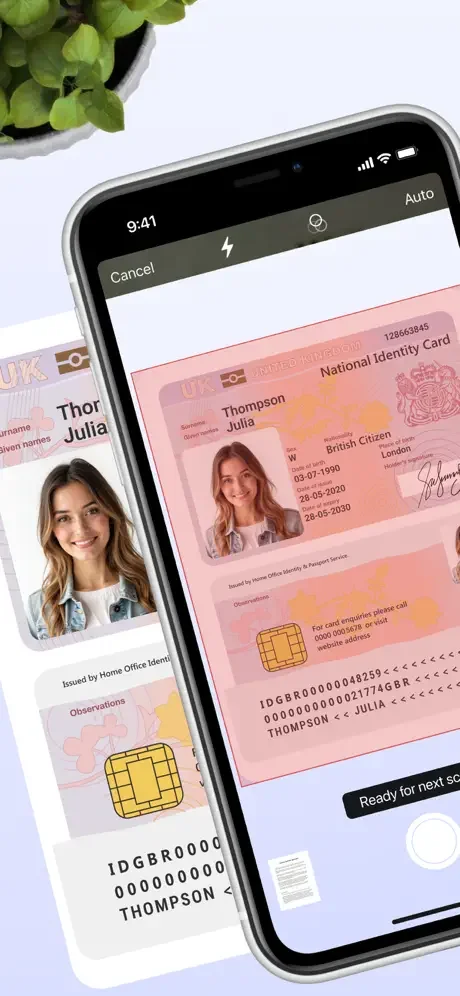
Point your camera at any document and watch it transform into a crisp, professional PDF. Our intelligent scanning technology automatically detects edges and enhances quality, so every scan looks perfect without manual adjustments.
Choose Your Perfect Quality
Select from five quality settings to balance file size and clarity for your specific needs. Need to email a large document? Choose ultra-low for smaller files. Want crystal-clear scans for important contracts? Select ultra-high quality.
Organize with iCloud Drive
All your scans sync seamlessly across your Apple devices through iCloud Drive. Access your documents from your iPhone, iPad, or Mac, and never worry about losing important files. Your paperwork stays organized and available wherever you go.
Share PDFs in Just Clicks
Send your scanned documents to anyone instantly with built-in sharing features. Whether you need to email a receipt, message a contract, or collaborate on a project, your PDFs are ready to share the moment you scan them.
About
Meet Scanit
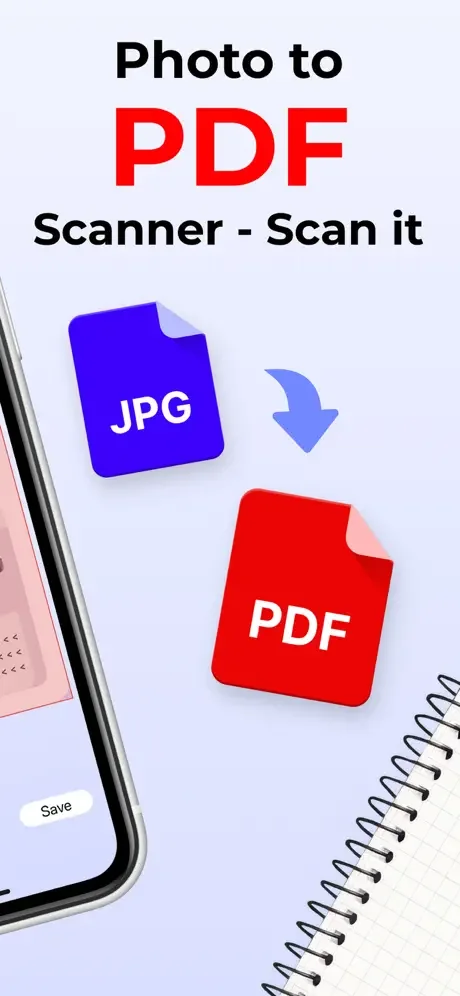
Scanit is a simple yet powerful scanner app that lets you quickly scan any document and convert it into PDFs. Scanit was built with simplicity in mind to let you accomplish the task of scanning, storing, and sharing documents more efficiently.
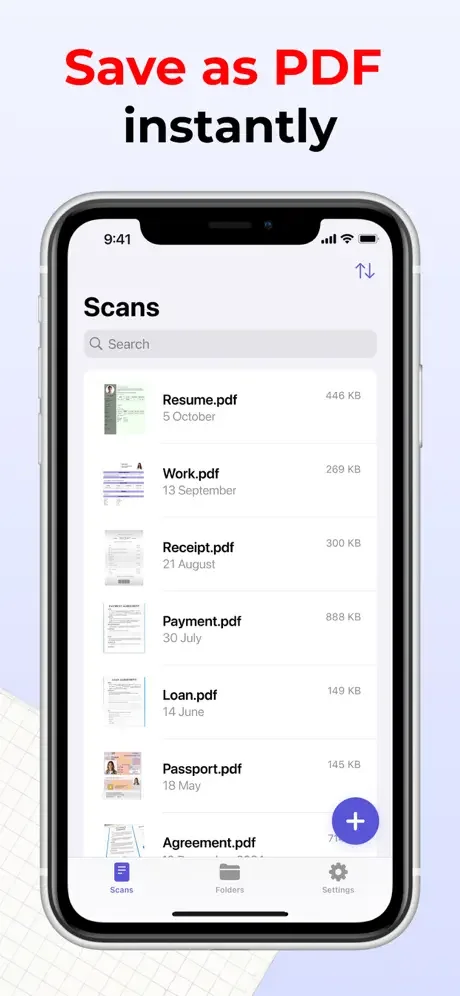
Being simple yet powerful means that Scanit will not only let you scan your documents quicker and more efficiently, but it also offers some useful features you will enjoy using. With Scanit, you can safely store any documents linked to your iCloud account or locally on your device in iCloud Drive. Scanning lets you share your PDF documents with others with just a few clicks. You can preview your documents, scroll through them, go back and forth between pages, and add additional scans to already existing records.
Key Features
- Up to 20 scans for non-Pro users
- iCloud Drive support
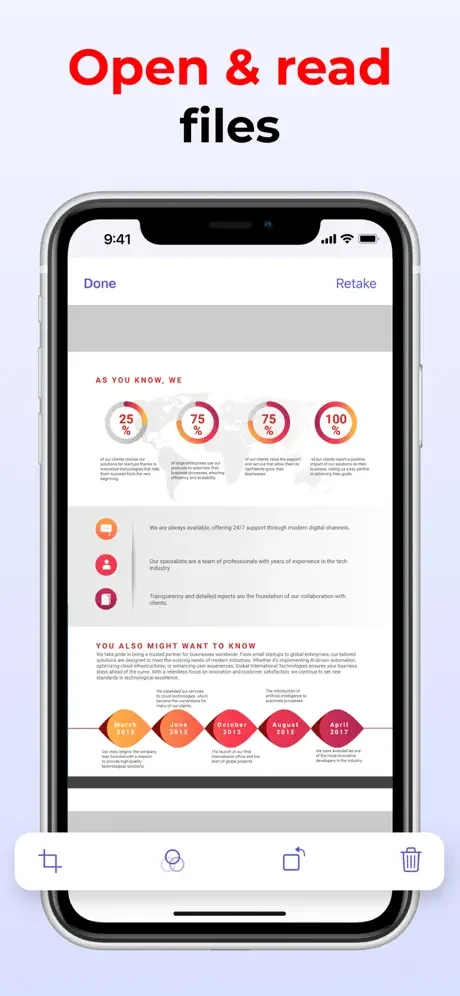
- Ability to view and interact with PDF documents
- Ability to add additional scans to already existing documents
- Ability to share documents with just a few clicks
- 5 Scan quality options (Ultra high, high, medium, low, and ultra-low) to let you minimize the size of your scans or make them even clearer if you ever need to
- 3 Simple Siri Shortcuts that let you perform various actions within the app faster
- Drag & Drop support
- Swipe actions support
- Handoff support
- Quick Note support
Pro Features
- Unlimited number of scans
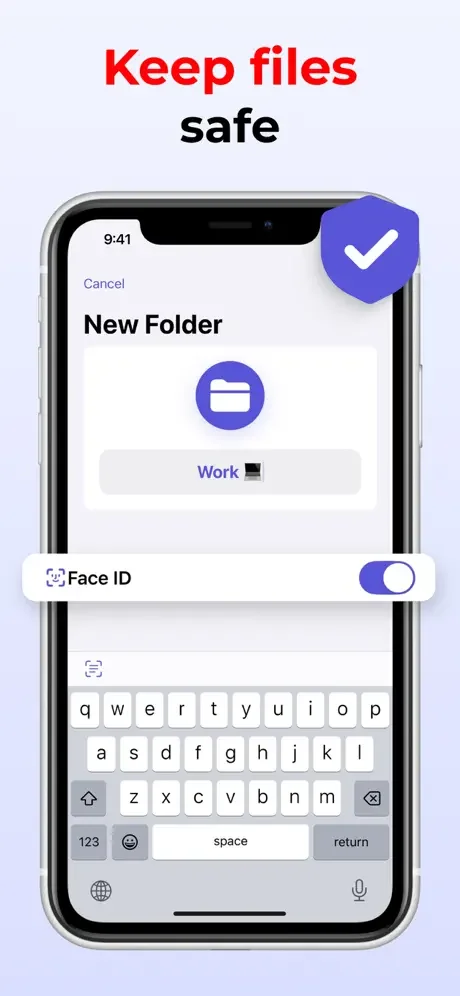
- Access to folders that will allow you to organize your documents better
- Unlimited number of folders
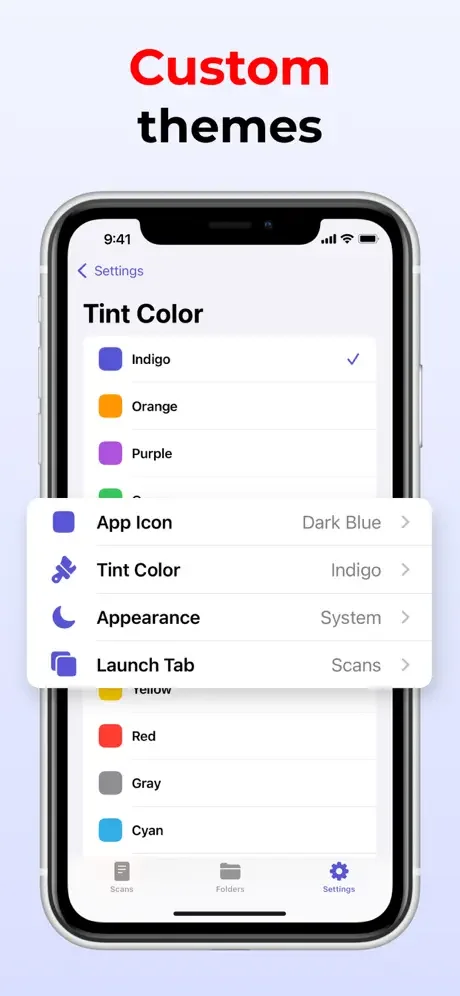
- 10 Alternative app icons for you to choose from
- 15 Different tint colors that will let you make the app feel more unique to you
- Ability to lock the app with Face ID or Touch ID to secure all of your scans
- Ability to pick the default launch screen
- Ability to change the appearance specifically for Scanit
Privacy Policy: https://zipoapps.com/scanitios/privacy
See How Simple Scanning Can Be
Join Thousands of Happy Users
Tried many different ones this is easy to use, scans multiple pages and save as PdF!
Acceptance letter