Track Your Time Without the Effort
SaveMyTime helps you discover where your time goes with simple one-click tracking from your Lock Screen. No more forgotten timers or wasted hours – just effortless awareness that helps you save time for what truly matters.
Simple Features That Actually Help You Save Time
Track From Your Lock Screen
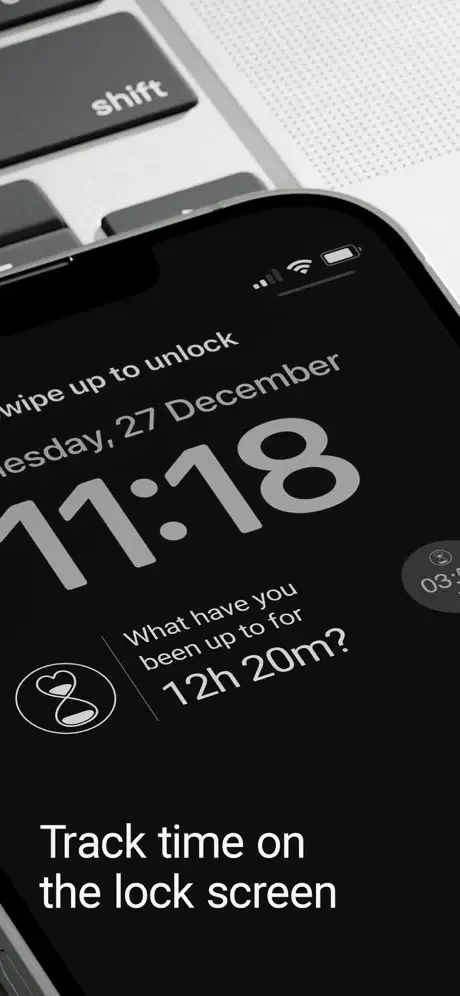
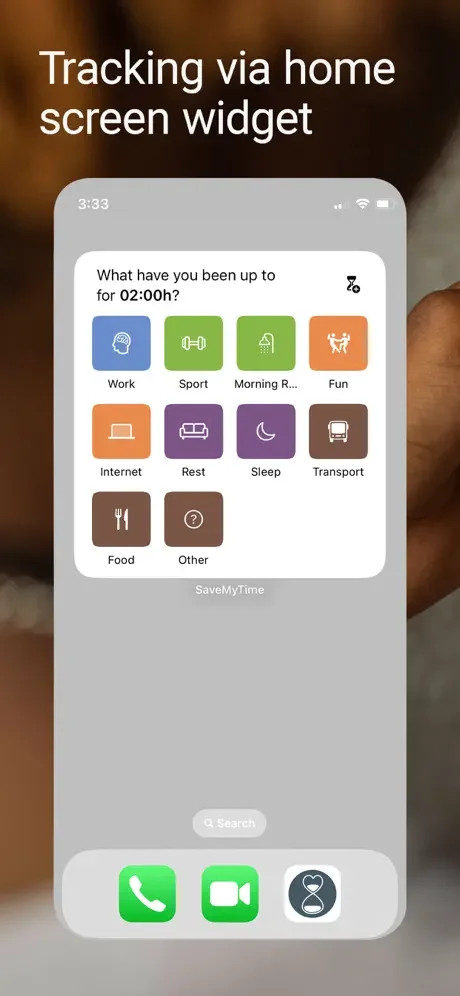
Start tracking the moment you unlock your phone with Lock Screen and Home Screen widgets. No need to open the app – just tap and go. Time tracking has never been this easy or this natural.
Never Forget to Stop Timers
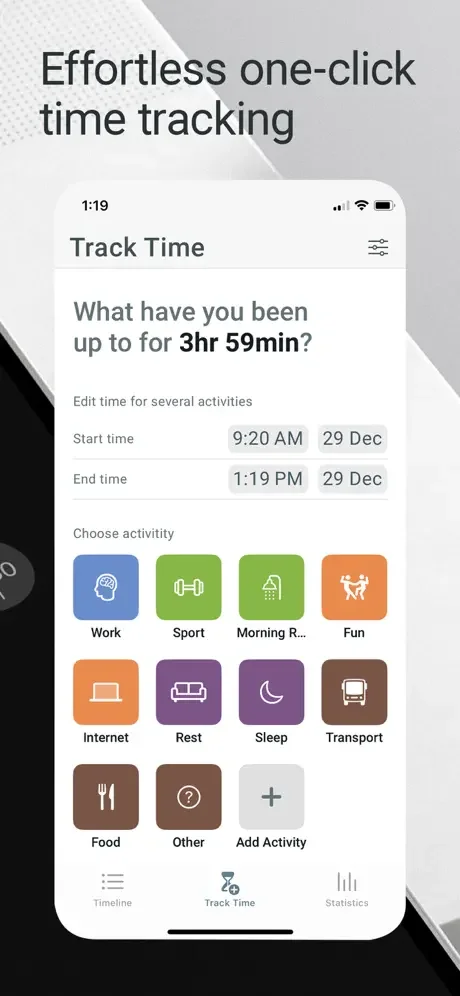
SaveMyTime asks what you've been doing since your last check-in, so you can split your time across activities even after the fact. No more panic when you realize you forgot to stop a timer hours ago.
See Where Your Time Goes
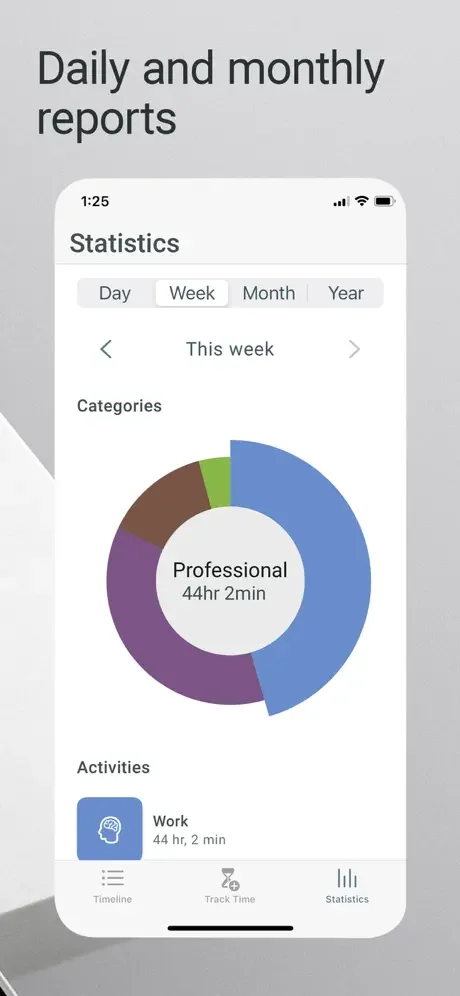
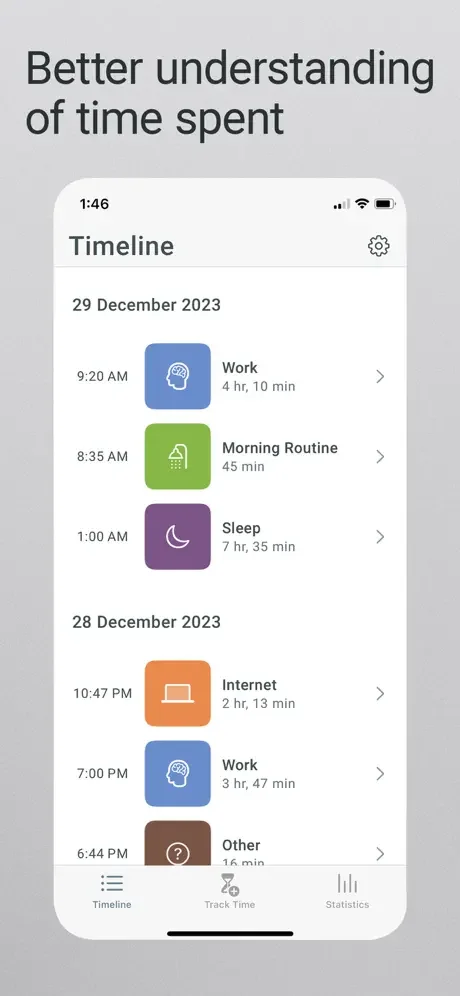
Get clear statistics and timeline views that show exactly how you spend your days. Identify time drains, track your work-life balance, and make informed decisions about where to focus your energy.
Beat Distractions and Stay Focused
Build awareness of your habits and kill ADHD-related distractions with gentle reminders and accountability. Stop procrastination in its tracks by making every minute visible and intentional.
About
SaveMyTime is an effortless one-click time-tracking app that helps you to be aware of how time is being spent, get rid of wasted time, and save it for what is important to you!
You can track your activities not just inside the app but also from the Lock Screen, Home Screen, or reminder notification so you can easily do it each time you unlock and use the phone.
SaveMyTime tracks time by asking you repeatedly what you have been doing since the last tracking, so there is no risk of forgetting to stop the timer when changing activity - you can always split time into multiple activities while tracking.
Use SaveMyTime to:
- Track time 24/7 effortlessly when unlocking the phone
- Gain a better understanding of how you spend time
- Kill ADHD-related distractions and improve focus
- Monitor your work-life balance and digital wellbeing
- Stop procrastination and boost productivity
- Get rid of wasted time and save it for what is important
Features:
- Time tracking with the ability to split time into multiple activities
- Customize names and icons of your activities to track whatever you need
- Timeline to view how your days went by and edit it if necessary
- Statistics to learn how much time is spent on specific activities or categories
- Lock Screen and Home Screen widget to track when unlocking the phone
- Reminders that will ask you to track if you forgot to do it after a specified time
- Dark Mode compatible
SaveMyTime Pro includes:
- Unlimited activities
- Unlimited stats history
- More Pro features coming soon
Terms of Use: https://zipoapps.com/savemytimeios/terms
Privacy Policy: https://zipoapps.com/savemytimeios/privacy
See How Easy Time Tracking Can Be