Write Perfect Emails in Seconds
Stop staring at blank screens. QuickMail uses AI to craft professional emails instantly, so you can focus on what matters most and never worry about writer's block again.
Everything You Need for Effortless Email Writing
Save Hours Every Week
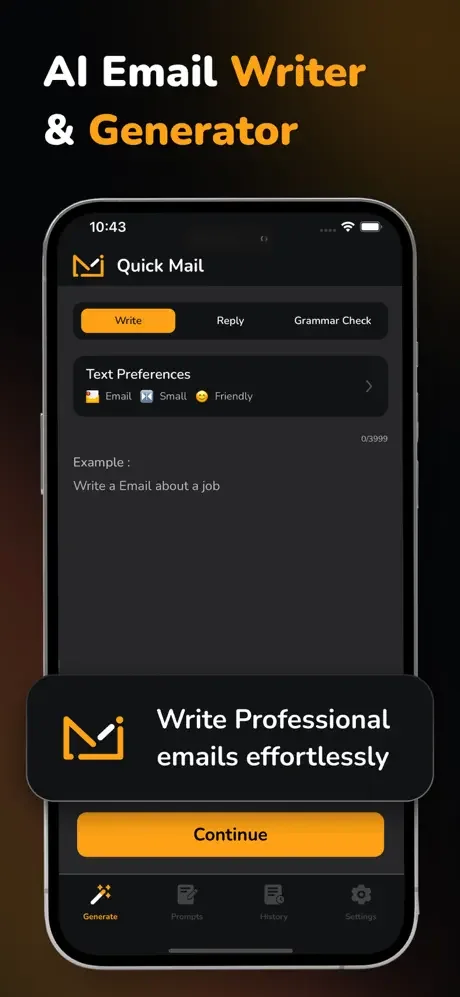
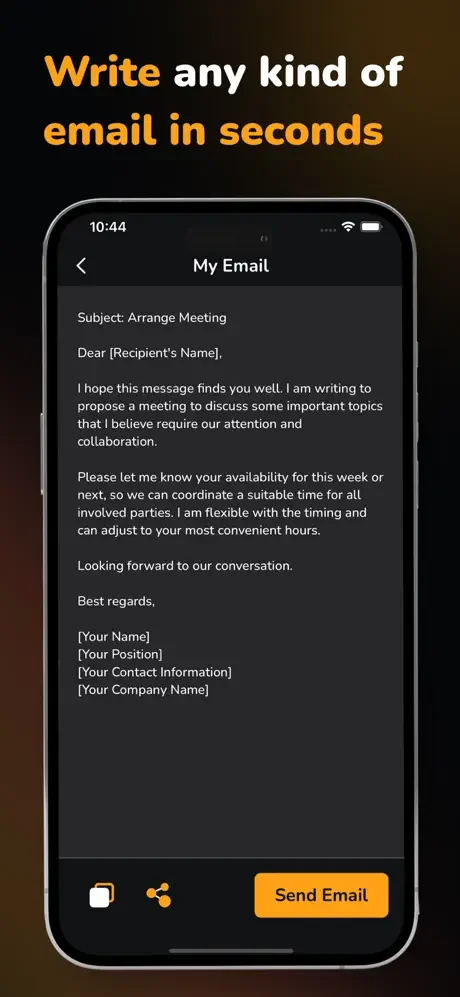
Generate complete emails in seconds with AI. Whether you need a professional business proposal or a friendly reply, QuickMail writes it for you instantly, eliminating hours of drafting time.
Always Strike the Right Tone
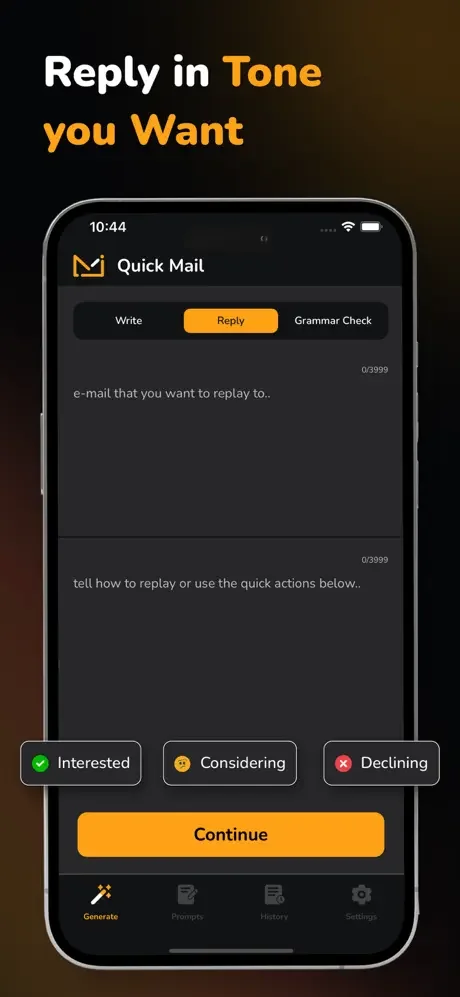
Choose from formal, casual, or friendly tones to match any situation. Your emails will always sound appropriate, whether you're writing to your boss, a client, or a friend.
Start Fast with Smart Templates
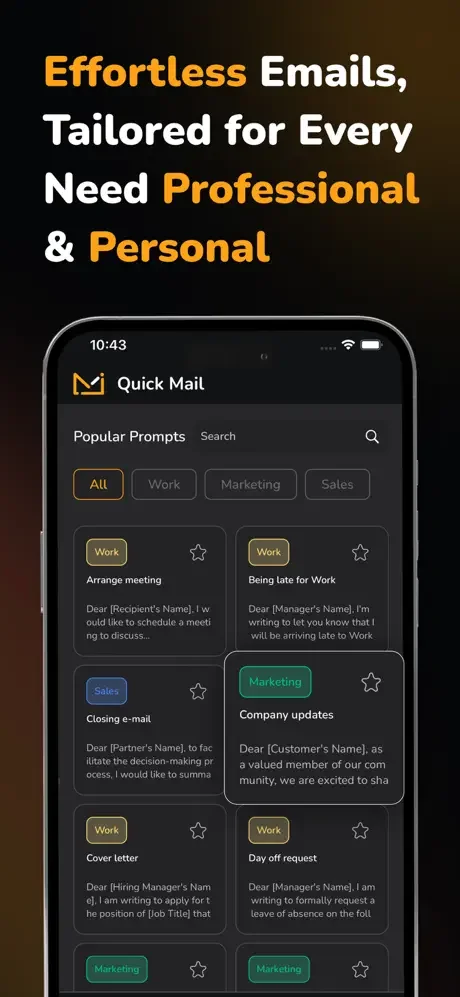
Pick from ready-made templates for business, marketing, or personal emails. No more starting from scratch – just select a template and let AI customize it for your needs.
Never Send Another Typo
Built-in grammar and spelling checks catch every mistake before you hit send. Present yourself professionally with flawless writing every single time.
About
Simplify your email writing with QuickMail! Whether you're crafting a professional email, replying to clients, or sending a personal note, our AI-powered assistant makes it effortless.
Key Features:
- AI-Powered Writing: Generate professional and personal emails in seconds.
- Tone Customization: Reply in the tone you want—formal, casual, or friendly.
- Smart Templates: Choose from a variety of templates for business, marketing, or personal use.
- Grammar Perfection: Ensure flawless writing with built-in grammar and spelling checks.
- Effortless Replies: Quickly respond to emails with AI-generated suggestions.
QuickMail is perfect for busy professionals, students, or anyone who wants to save time and send polished emails. Say goodbye to writer's block and hello to smarter, faster email writing!
Download QuickMail today and experience effortless email writing.
Privacy Policy: https://sites.google.com/view/ai-email-generator-app/privacy-policy
Terms of Use: https://sites.google.com/view/ai-email-generator-app/terms-conditions
See QuickMail in Action