Turn Your Phone Into a Professional Scanner
Scan any document anywhere and convert it to PDF, JPEG, or PNG in seconds. No bulky equipment needed – just your phone and this powerful app.
Everything You Need for Document Management
Smart Scanning That Works Perfectly
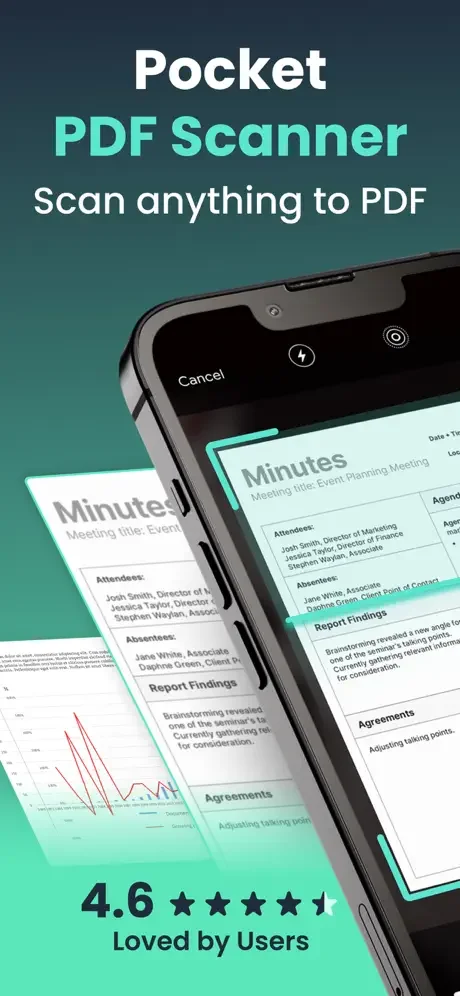
Our advanced OCR technology produces crystal-clear scans even from wrinkled or imperfect documents. Get professional-quality results every time, no matter the condition of your paper.
Convert to Any Format Instantly
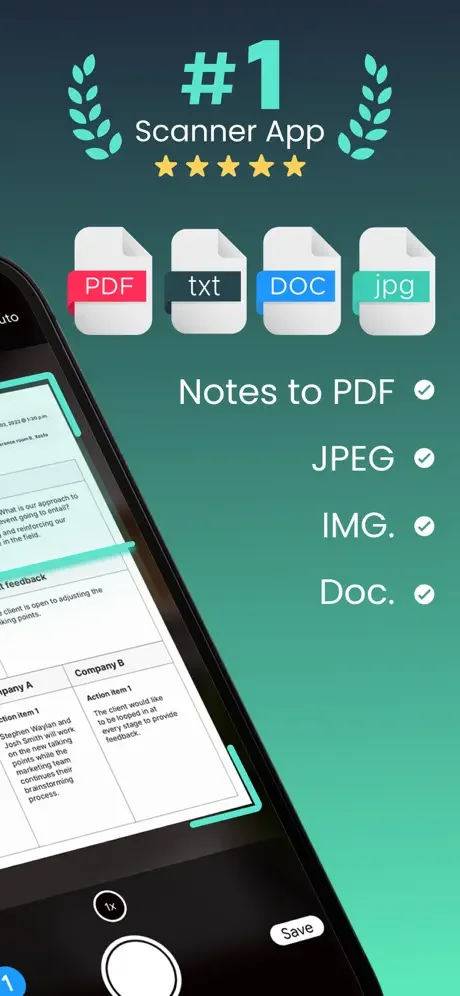
Need a PDF for work or a JPEG for quick sharing? Switch between PDF, JPEG, and PNG formats with one tap. Perfect flexibility for any situation or recipient.
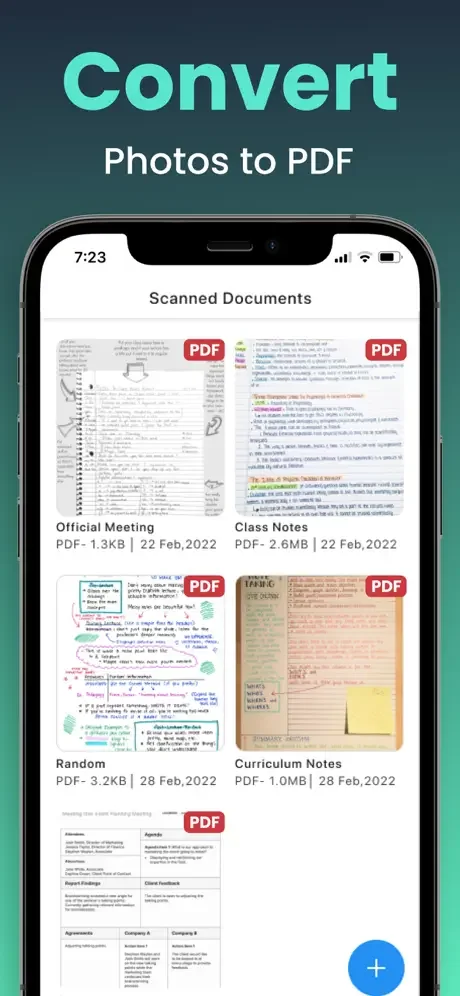
Scan Your Handwritten Notes Too
Unlike basic scanners, our app captures handwritten notes, whiteboards, and personal writing with perfect clarity. Turn your handwriting into shareable PDFs just like typed documents.
Share and Print from Anywhere
Send your scans through WhatsApp, email, social media, or cloud storage in seconds. Print directly from your phone with built-in AirPrint support whenever you need a hard copy.
About
PDF Scanner for Doc, Files, JPEGs & More
Convert your iPhone and iPad into a powerful scanner and scan documents everywhere.
Smart OCR
Wrinkled documents? No problem. The advanced cropping and enhancement will help you produce high-quality scans.
Instantly Convert Documents into PDFs
It just takes a minute to scan and generate PDFs of your scanned documents.
Easily Convert Documents into Images
Other than PDFs, you can also convert your scanned documents into images.
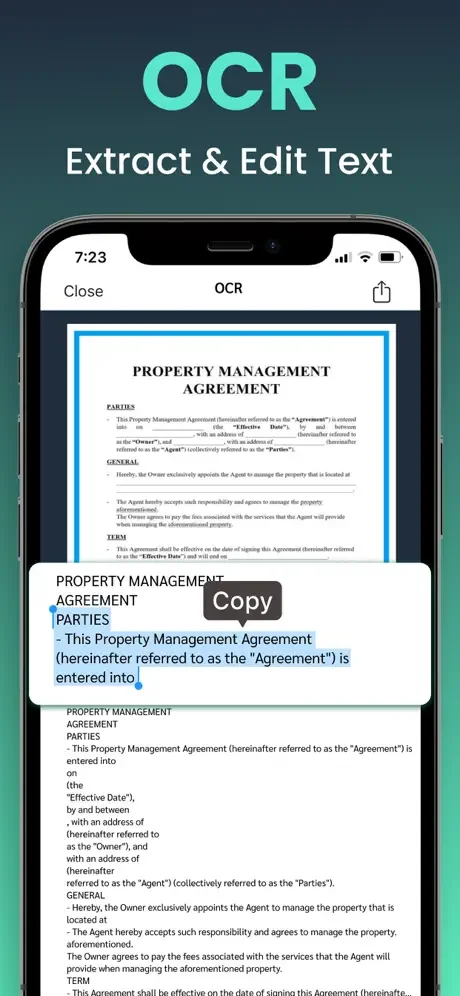
Extract text with the advanced OCR Technology
Once you have scanned a document, you can easily extract and copy the text.
Scan your Handwriting
One of the few very advanced scanners that let you scan even your handwriting and convert into PDF.
Print Your PDF Documents
With the built-in technology, you can easily send scanned documents to your printer and take printouts in minutes.
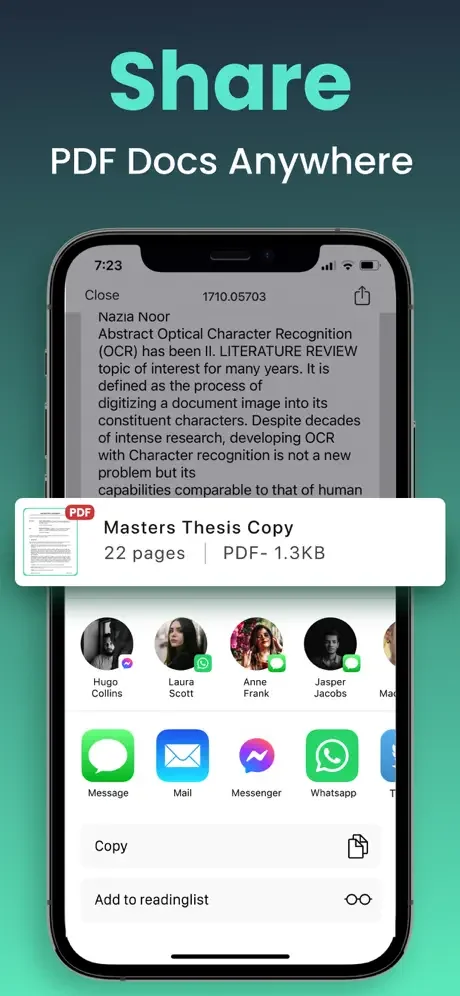
Share Your PDFs Online
It really just takes a minute to share your scanned documents and PDFs everywhere. You can share them on Facebook, Instagram, Pinterest, WhatsApp, iMessage, WeChat, and almost anywhere else.
My PDF scanner app makes it really convenient and easy for you to scan documents on the go, convert them into various formats, and share them with your clients, friends, teachers, bosses, and family members.
Multiple Format Conversion at Your Fingertips
Scan any document and convert it into a crisp, high-resolution PDF in seconds. Need an image instead? Convert your scans into JPEG or PNG formats instantly. Perfect for students, business professionals, or anyone needing versatile document options.
Scan Anything—Even Handwritten Notes
Not just for printed pages. Our scanner captures handwritten notes, whiteboards, blackboards, and personal notes with clarity. Convert your handwritten content into PDFs and share them just like typed documents.
Seamless Document Management
Once scanned, organize your files effortlessly. Rename, reorder, merge, or delete pages. Save your scans securely or export them to the cloud. With our app, your mobile device becomes a complete document management hub.
Print Directly from Your Device
With built-in AirPrint support, print scanned documents directly from your iPhone or iPad. Whether it's an invoice, contract, form, or homework, hard copies are just a tap away.
Share Your PDFs Anywhere
Export your documents to the cloud or send them via email, messaging apps, or social media. Our app supports instant sharing through WhatsApp, iMessage, Instagram, Facebook, Pinterest, WeChat, and more—perfect for both professional and personal use.
Designed for Speed and Simplicity
We've built this app with usability in mind. Scan documents in a flash, without clutter or confusion. Whether scanning receipts, contracts, notes, or business cards, our intuitive interface helps you get the job done quickly.
Terms of Use: https://zipoapps.com/pdfeditorios/terms/
Privacy Policy: https://zipoapps.com/pdfeditorios/privacy/
See How Simple Scanning Can Be
Join Thousands of Happy Users
I would strongly recommend this app for its easy to use flow.