Measure Anything Using Your Phone Camera
Turn your device into a complete measuring toolkit with AR technology. Get accurate measurements of objects, rooms, distances, and angles without carrying bulky equipment.
Everything You Need to Measure Smart
Replace Multiple Physical Tools
Access tape measure, distance meter, height meter, bubble level, and angle measurement in one app. No more searching for tools or carrying heavy equipment to job sites or stores.
Professional-Grade AR Accuracy
Get reliable measurements within 1-2% accuracy using advanced AR technology. Point your camera at any object or space and receive instant, trustworthy results you can count on.
Plan Rooms and Projects
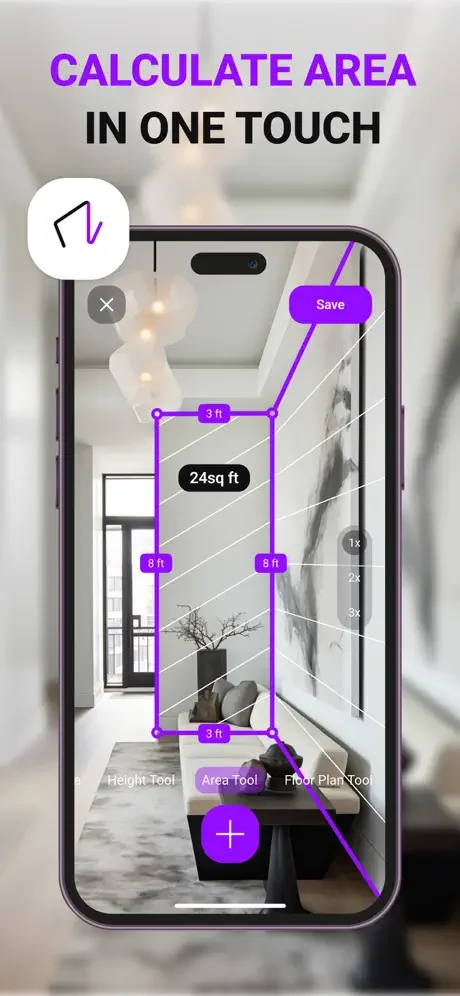
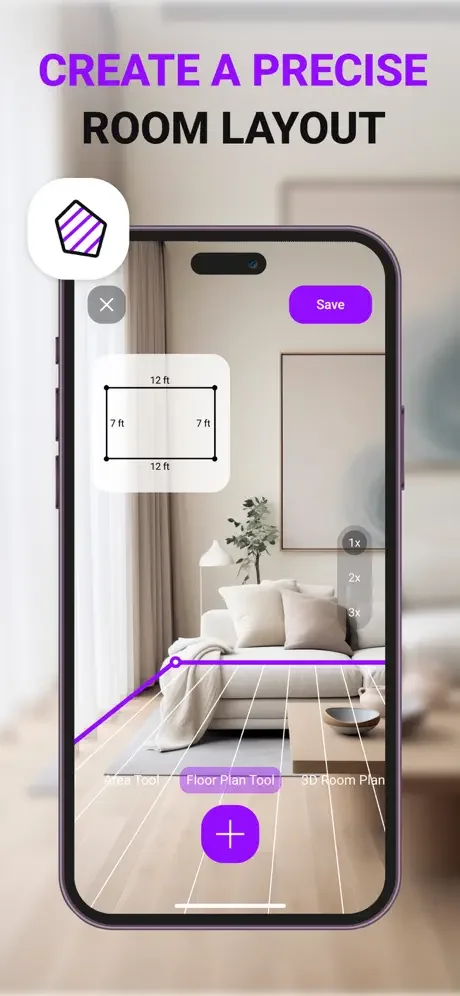
Calculate surface area and perimeter for renovation planning, furniture placement, and material estimates. Measure entire rooms or individual walls to ensure everything fits perfectly before you buy.
Save Every Measurement
Keep all your measurements organized and accessible for future reference. Track room dimensions, furniture sizes, and project specs so you never need to measure the same thing twice.
About
AR Measure: Tape Measure App helps you measure objects, rooms, surfaces, distances, angles, and height using your device's camera.
Point the camera at the object or space you want to measure and use the available tools to get measurements directly on your screen. The app is designed for quick measuring tasks, room measurement, photo ruler use, angle checking, surface calculations, and saving measurement results.
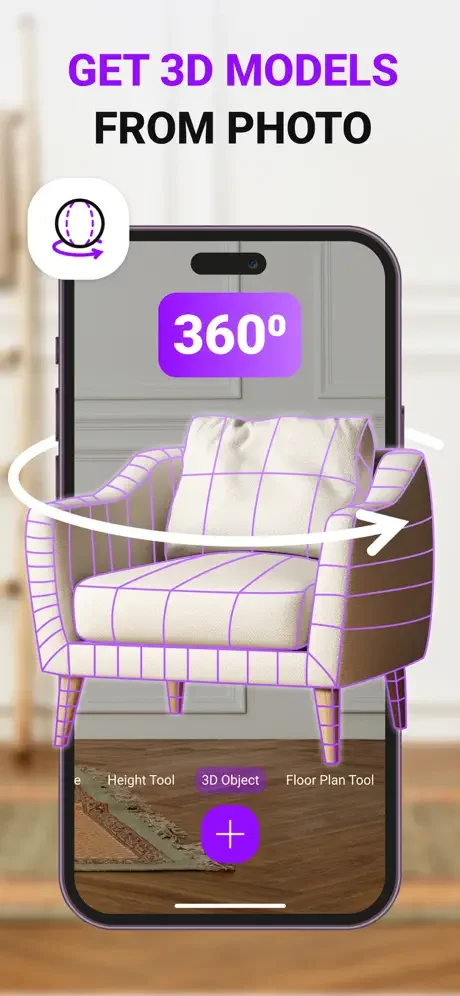
You can use AR Measure to measure length, estimate distances, calculate area and perimeter, check levels, measure slopes, scale objects, and create 3D models from a photo. It can be useful for home projects, room planning, furniture checks, object measurement, renovation planning, and everyday measuring tasks.
Please note that many features are available after purchasing a subscription.
Key Features
- Tape measure tool for measuring objects
- Distance meter
- Height meter
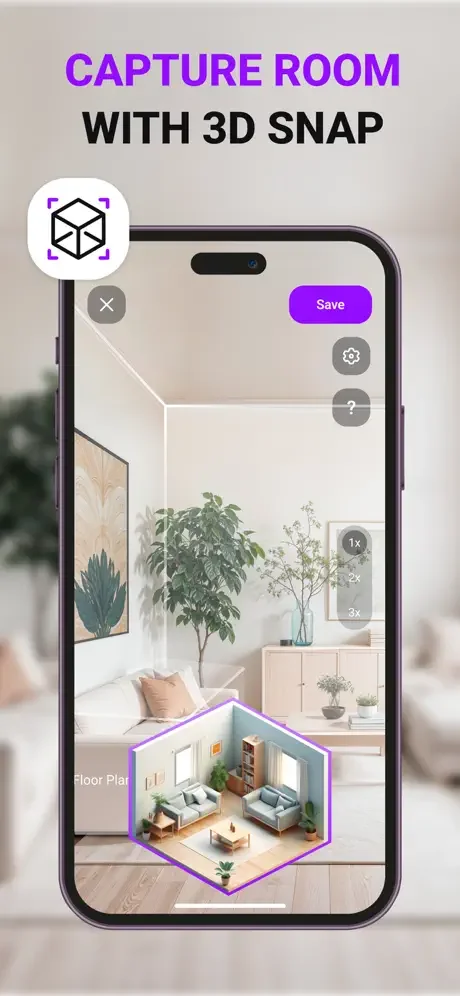
- Room measurement
- Surface area calculation
- Perimeter calculation
- Angle measurement
- Bubble level tool
- Slope measurement
- Photo ruler for measuring objects on the device screen
- 3D models from a photo
- Object scaling
- Support for different measurement units
- Create and save measurements
- Camera-based measuring tools
- Tools for rooms, walls, structures, and objects
Measure Objects
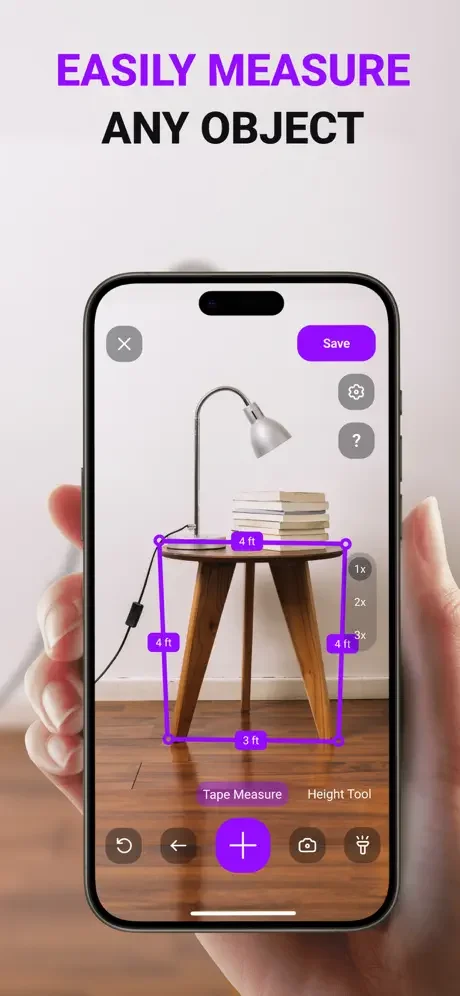
Use the camera to measure objects around you. Point your device at the object, follow the on-screen measurement tools, and get the result directly in the app.
Measure Rooms and Surfaces
Measure room areas, wall heights, structures, and surfaces. The app can help calculate surface area and perimeter for room planning or project preparation.
Use Level and Slope Tools
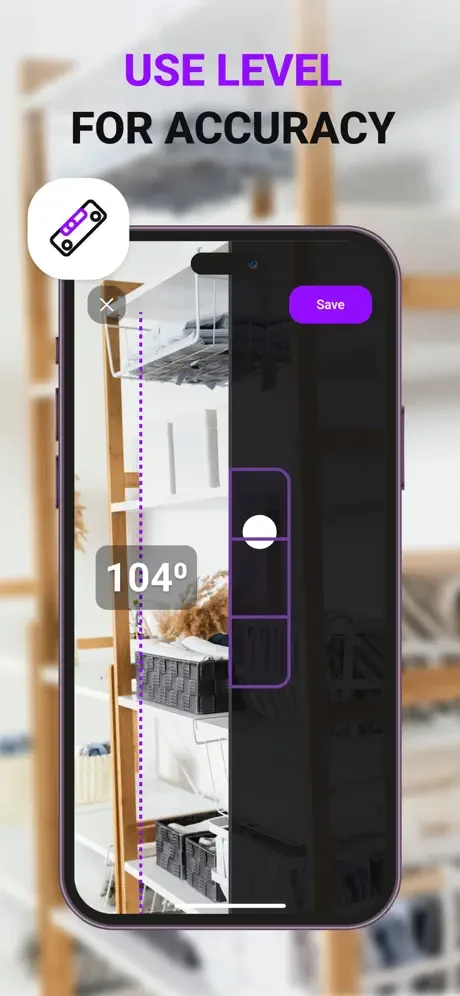
AR Measure includes a bubble level and slope measurement tool to help check alignment, angles, and incline.
Photo Ruler
Use the photo ruler tool to measure objects directly on your device screen. This can help when working with images or objects captured through your camera.
Save Your Measurements
Create measurements and save them for later reference. This makes it easier to keep track of room dimensions, object sizes, and project measurements.
AR Measure: Tape Measure App combines multiple measuring tools in one app, including tape measure, distance meter, height meter, photo ruler, bubble level, slope measurement, area calculation, and 3D model creation from a photo.
Terms of Use: https://zipoapps.com/mymeterios/terms
Privacy Policy: https://zipoapps.com/mymeterios/privacy
See the App in Action
Trusted by Professionals and DIY Enthusiasts
This app delivers professional-grade results without the hassle of carrying extra equipment. The height meter and distance calculator are spot-on. It’s fast, intuitive, and incredibly useful in the field.
I do handyman work at vacation rentals nationwide and I'm completely satisfied with this app. Its offline mode works in remote cabins, and the bubble level ensures shelves are perfect every time.
As a freelance designer, I use MyMeter daily to measure rooms and furniture. The area calculator saved me hours when planning my last office layout, just point and get instant square footage!
I was skeptical about phone measuring apps, but the distance and height measurements are shockingly accurate (I've checked against my laser measure and they're within 1-2%).
In my tiny dorm, every inch counts! This app helped me maximize my layout by measuring all my furniture. On top of that, the bubble level got my shelves perfectly straight.
As someone constantly renovating, this app has replaced my physical tape measure! The area calculator saved me hours when tiling my bathroom. Worth every penny!