Turn Your Phone Into Professional Measuring Tools
Get instant, accurate measurements of distances, heights, areas, and angles using just your camera. No physical tools needed – measure anything, anywhere with professional-grade precision.
Everything You Need to Measure Smarter
Replace All Your Tools
Why carry a tape measure, level, ruler, and protractor when one app does it all? Measure distances, heights, areas, slopes, and angles instantly from your phone.
Point and Measure Instantly
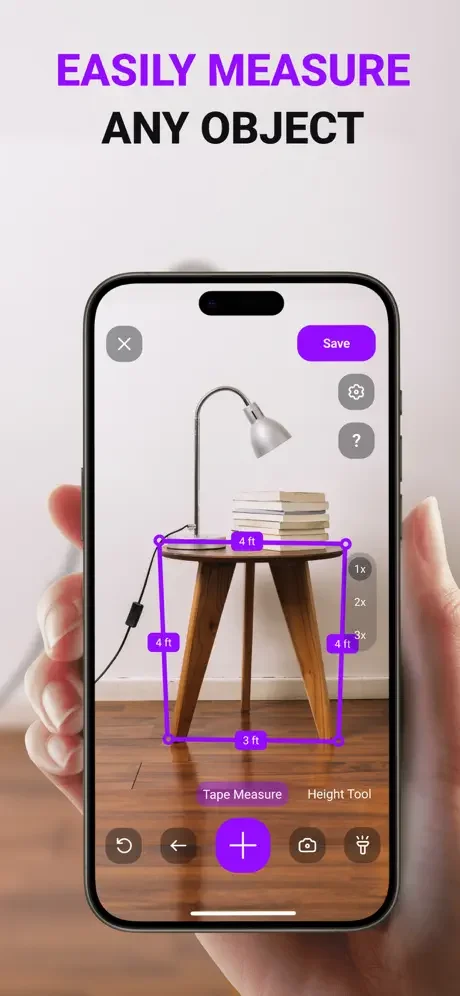
Simply aim your camera at any object or space to get immediate measurements. No setup, no manual calculations – just point your phone and get the numbers you need in seconds.
Professional-Level Accuracy
Get measurements within 1-2% accuracy, matching professional laser tools. Trusted by contractors, designers, and DIY enthusiasts for projects where precision matters.
Save and Reference Later
Never lose a measurement again. Create and store all your measurements for future projects, material ordering, or sharing with clients and team members.
About
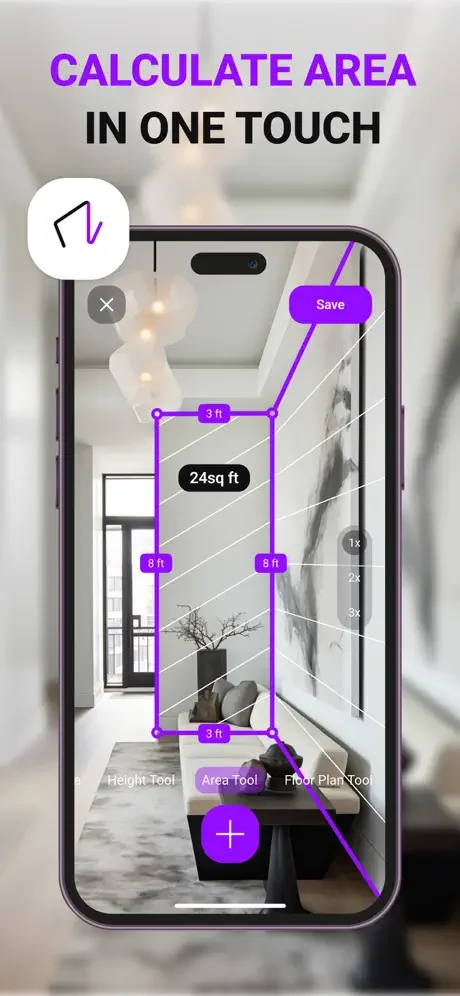
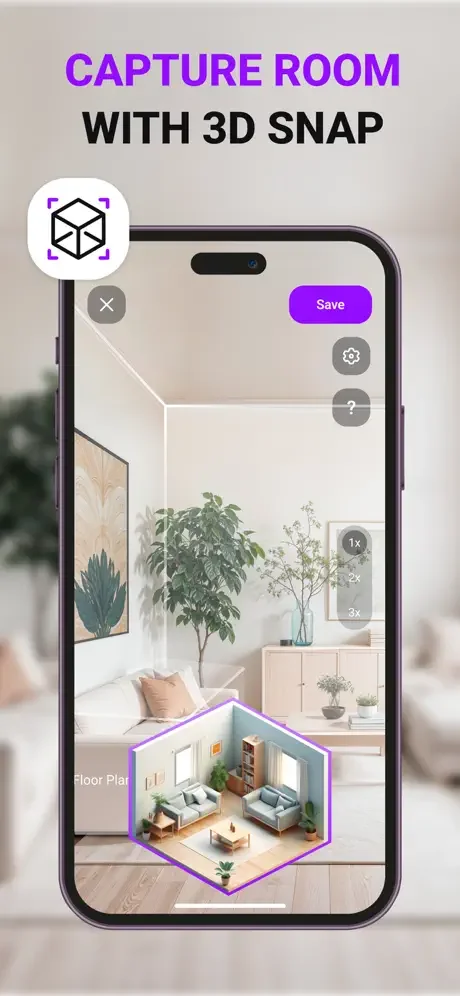
You can easily measure the area of a room and the height of walls and structures, estimate distances, scale objects, determine angles and anything else you want. Just point the camera at the object you are investigating and get the desired calculations.
Key features (take into account that most of features are available after paying for subscription):
- Distance Meter.
- Height Meter.
- Quickly calculate surface area and perimeter.
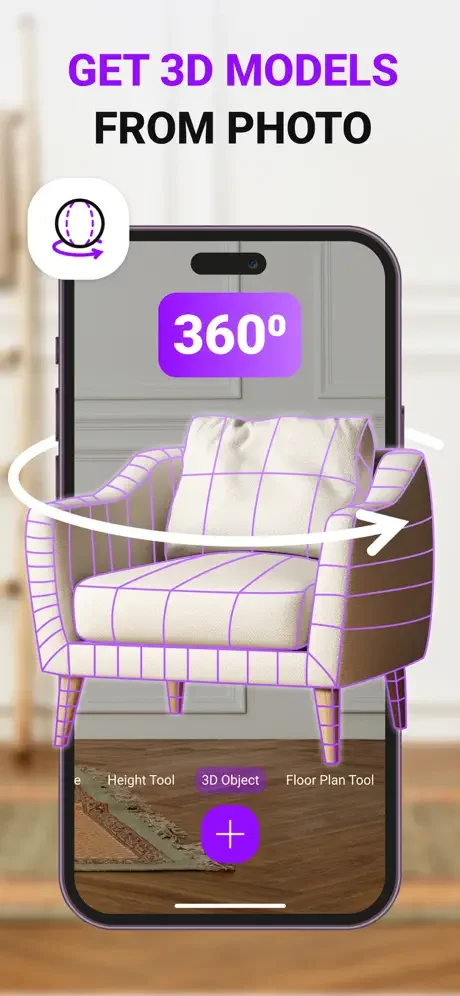
- Get 3D models from photo.
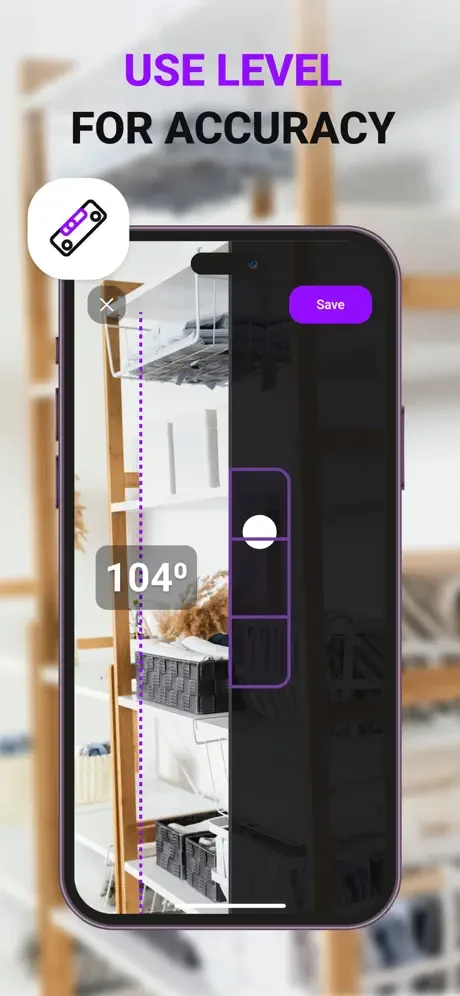
- Bubble Level.
- Slope Measurement.
- Photo Ruler - Measure objects directly onto your device's screen.
- Support for different unit of measure options
- Create and save measurements
Terms of use: https://doc-hosting.flycricket.io/mymeter-tape-measure-app-terms-of-use/cffb8891-a099-40f6-94d2-eee9d4cf4df8/terms
Privacy Policy: https://doc-hosting.flycricket.io/mymeter-tape-measure-app-privacy-policy/3d4b60ec-d7fc-478b-94f8-e4a4f63b280f/privacy
See MyMeter in Action
Trusted by Professionals and DIY Enthusiasts Alike
This app delivers professional-grade results without the hassle of carrying extra equipment. The height meter and distance calculator are spot-on. It’s fast, intuitive, and incredibly useful in the field.
I do handyman work at vacation rentals nationwide and I'm completely satisfied with this app. Its offline mode works in remote cabins, and the bubble level ensures shelves are perfect every time.
As a freelance designer, I use MyMeter daily to measure rooms and furniture. The area calculator saved me hours when planning my last office layout, just point and get instant square footage!
The slope measurement helped position my rain garden, and the distance meter ensured perfect spacing between plants. I used the saved measurements to order exactly the right amount of mulch.
I was skeptical about phone measuring apps, but the distance and height measurements are shockingly accurate (I've checked against my laser measure and they're within 1-2%).
In my tiny dorm, every inch counts! This app helped me maximize my layout by measuring all my furniture. On top of that, the bubble level got my shelves perfectly straight.