Create Custom Ringtones from Your Favorite Songs
Turn any part of your music into a personalized ringtone, alarm, or notification sound. Browse your audio library, select the perfect moment with visual waveform editing, and save it in seconds.
Everything You Need to Personalize Your Phone
Precision Waveform Editing
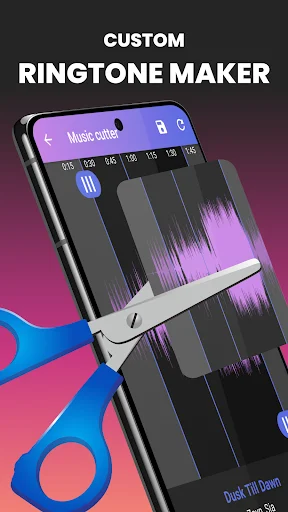
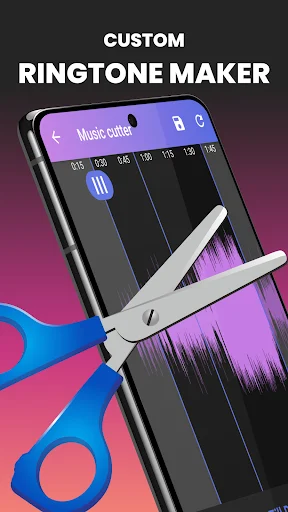
Visual waveform display lets you zoom in and pinpoint the exact moment you want. Easily adjust start and end points to capture the perfect chorus, beat drop, or melody from your favorite songs.
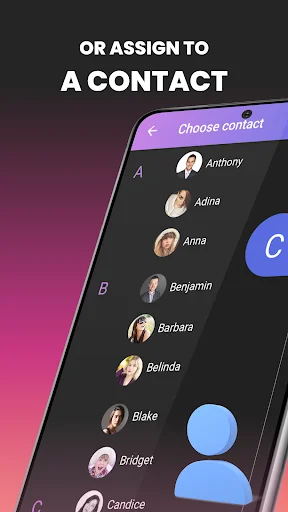
Personalize Ringtones by Contact
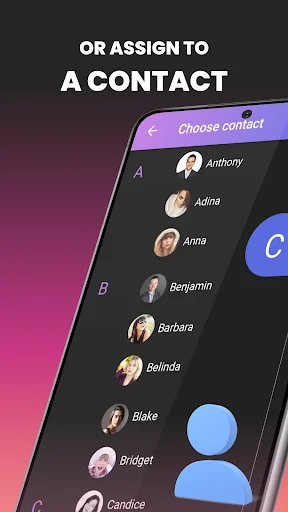
Assign unique ringtones to individual contacts so you know who's calling without looking at your screen. Create a personal sound library that helps you identify important calls instantly.
Works with Your Music
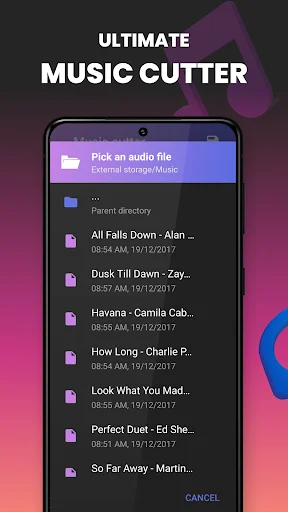
Use audio files already on your phone in multiple formats including MP3, WAV, FLAC, M4A, AAC, and OGG. Search by song or artist name, or browse folders to find the perfect track.
Preview Before Saving
Listen to your creation before finalizing it to ensure the cut sounds exactly right. Make adjustments until it's perfect, then save it as a ringtone, alarm, notification, or music clip.
About
What is Music Cutter - Ringtone maker?
🎵 Turn part of an audio file on your Android phone into a ringtone, alarm or notification sound. Browse your music, choose a section in the waveform and preview it before saving the result.
This audio trimmer brings song selection, playback and ringtone creation together. You can also save a trimmed clip as a music file, share it or use the included audio recorder.
Who is Music Cutter - Ringtone maker for?
Use it when you want a familiar part of a song as your phone's ringtone, a short sound for notifications or a different ringtone for a particular contact.
It is also useful for shortening audio you already have on your device. Search by song or artist name, or browse a folder when you know where the file is stored.
What does Music Cutter - Ringtone maker do?
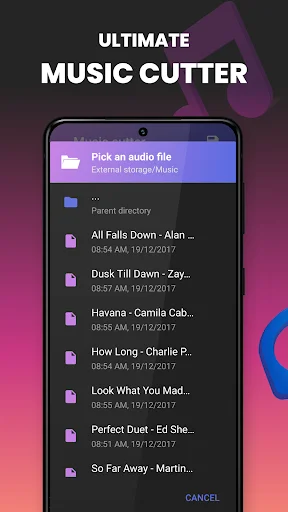
- Browse songs, ringtones and alarm sounds on your phone, or find audio through the folder browser.
- Search by song or artist name and view details such as the title, artist and duration.
- Zoom in or out of the waveform and manually adjust the section you want to keep.
- Listen before cutting and play audio with the included music player.
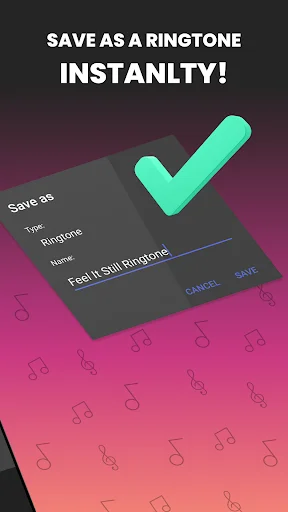
- Save a selection as a music clip, ringtone, alarm or notification sound.
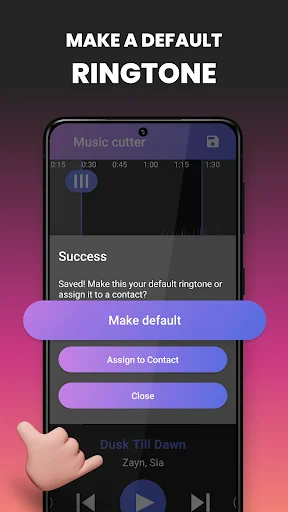
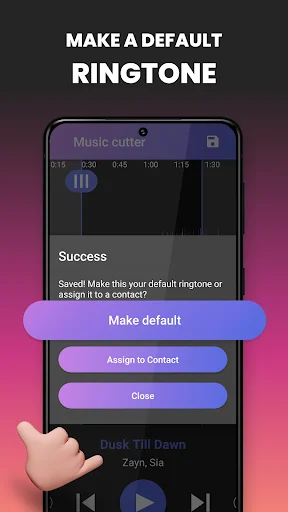
- Set a default ringtone or assign a saved ringtone to a contact you choose.
- Record audio, share files and delete songs you no longer want to keep.
Supported audio formats include MP3, WAV, FLAC, M4A, AAC and OGG. Choose a file the app can open, then preview your selection to check the beginning and end before saving it.
How does Music Cutter - Ringtone maker work?
- Select an audio file from your phone using the list, search or folder browser.
- Listen to it, move the selection points and zoom into the waveform to refine the cut.
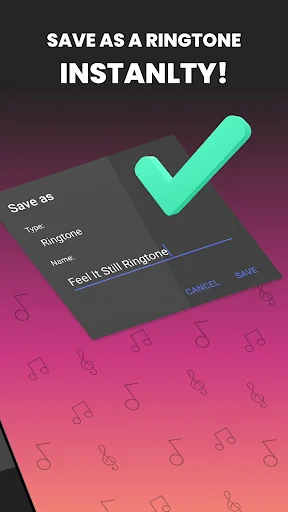
- Preview the section, choose how you want to save it and give it a name.
- Save the clip. For a ringtone, use the available option to make it the default or assign it to a selected contact.
Use the saved result for the purpose you selected, or share it with someone else when you have permission to do so. Keep the original if you may want to make a different edit later.
Compatibility and requirements
The app needs access to the audio files you select for editing. Recording audio requires microphone access. Contact-specific ringtone setup involves selecting a contact; follow the access and system prompts for that feature on your phone.
A supported file format does not guarantee that every file using that extension can be opened. Ringtone and notification behavior also depends on your Android phone and its sound settings.
The app contains ads and offers in-app purchases.
Music Cutter - Ringtone maker helps you turn a chosen section of your own audio into a sound you can recognize, save and use on your phone.
See How Easy It Is
Join Millions of Happy Users
Easiest music cutter/ringtone maker app i have used so far, i have tried 4 or 5 others, and maybe its the particular mobile device i have, but zooming in to clip RIGHT where i want was way difficult on every other similar app i tried out. Thanks! 🤘🤙✌✊
I have always been looking for a perfect app that can cut for me a certain piece of music in some of the songs in my phone.And I would say, am satisfied with this one because it can do exactly that
I happened to find the perfect music cutter for my ringtones and for the music tracks that have extra Un useful dead air space. very easy and fast to use, I highly recommended :)
Umm..In another comment someone said you can only edit some music within the app, that's not true. I edited one of my own music in it and worked perfectly fine. Easy to use.👍
WAS ALWAYS IN NEED OF AN AUDIO TRIMMER FOR MY EDITING JOURNEY, UNTIL I ASKED GPT OF A FREE APP AND THEY LISTED THIS APP. THAT DAY WAS THE GAME CHANGER OF MY LIFE. ❤️
I 100 percent recommend one to opt using this coz never had I ever found any difficulty or fault in cutting ✂️🛑✂️ my any song in whatsoever dimension ☺️💪