Mirror Your Phone to Any TV Instantly
Transform any smart TV into your personal entertainment hub. Watch all your favorite apps, videos, and photos on the big screen with a simple wireless connection that takes just minutes to set up.
Everything You Need for the Perfect Big Screen Experience
Connect in Under 2 Minutes
Say goodbye to complicated setup processes and confusing cables. Our app finds your TV automatically and establishes a reliable wireless connection faster than making a cup of coffee. No technical expertise required.
Watch Absolutely Any Content
Stream apps that aren't available on your smart TV, share family photos during gatherings, or enjoy videos stored on your phone. Built-in media players support all popular formats, giving you unlimited entertainment options.
Works With Every Smart TV
Compatible with all major smart TV brands and connection methods including WiFi, Chromecast, DLNA, and web browsers. Whether you have Samsung, LG, Sony, or any other brand, we've got you covered.
Smart Profiles for Perfect Quality
Automatically optimize resolution and settings for different displays. Save battery with smart features that disable your phone's backlight while mirroring, and switch between profiles effortlessly for various viewing scenarios.
About
Screen mirroring - Mirror screen is a powerful tool for mirroring devices in real-time!
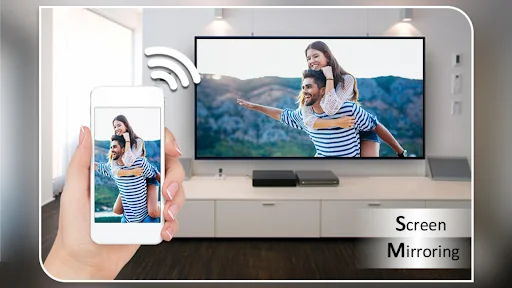
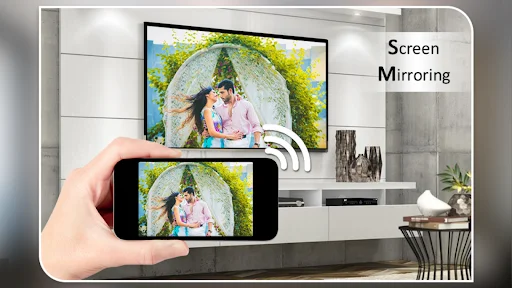
Use the Screen Mirroring App to cast your phone's screen to a smart TV. Screen Mirroring with TV App will assist you to scan and mirror your phone screen on smart TV/Display. With the Screen Mirror app, screen sharing is fast and straightforward.
You can play videos on a Mobile phone, share the mobile screen with the TV, and videocast on TV. Mirroring your phone screen to a TV or any other Android device with a screen mirroring feature. Screen sharing has never been easier!
Screen Mirroring App contains video and audio players.
Now, You can enjoy all popular video and audio formats on your Phone or TV if you connect through a Screen Mirror.
Screen Mirroring with TV App will assist you with mirroring your android phone or tablet on smart TV/Display (cast to TV) or Wireless dongles or adapters. Screen Mirroring can play videos, music, and photos on any device (phone, smartTV, laptop, tablet...) and screen sharing anywhere.
The Screen Mirroring Assistant App helps screen mirror the window on the TV screen from your phone. Screen sharing wirelessly with wifi and mirror screen dongles with smart TV, your screen mirroring.
Screen Mirroring App helps you to mirror Mobile phone and display it on smart TV/Display by wireless, wifi, and Bluetooth dongles or adapters. Screen Mirror your phone with smart TV and watch videos using our Screen Sharing.
Streaming is the most accessible phone video player. It has a powerful video decoding capability to easily support you in playing almost all video files stored on your phone.
Mirror screen and audio of your device easily!
Screen Mirroring app is a powerful tool for mirroring and broadcasting the screen and audio of your device! You can screen share your Android live to any other device on your local network via a mirror screen, web browser, Chromecast, or UPnP compatible devices/DLNA (Smart TV or other devices).
It has been tested, and screen sharing works on most Android devices. Your phone has to be connected to Wi-Fi, like the device you are mirroring.
Features:
- Easily change resolution and density - take full advantage of the resolution of your external display and show the Android tablet interface if you're using a phone.
- Simple profile-based interface - easy to enable/disable different profiles for different types of displays
- Automatically enable Bluetooth and wifi - quickly connect a keyboard, mouse, and/or game controller
- Lock screen orientation to landscape
- Show desktop sites in Chrome by default - browse the Web on your TV!
- Full integration with Tasker
- Disable device backlight and/or vibration - save battery while your device is connected (not compatible with all devices)
- Load profiles automatically when a display is connected
Now you can Extend your mobile content onto your Smart TV and The FRAME TV. Unique Cast to TV app. Screen Mirroring app will help you screen share displays and mirror screens on smart TVs.
Discover the easiest way to share screen - Screen Mirroring App!
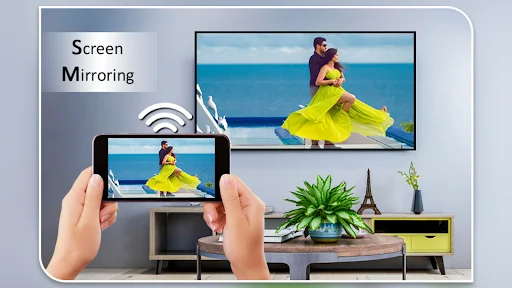
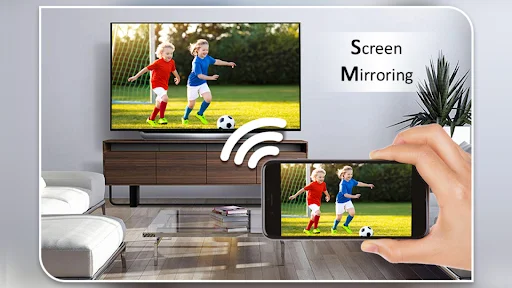
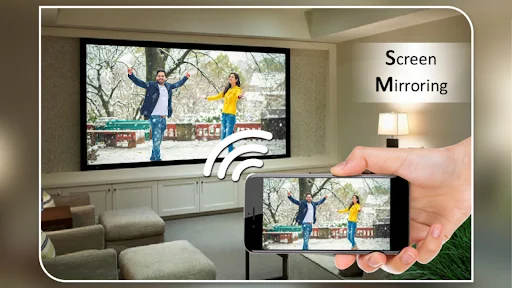
See How Easy It Really Is
Join 50 Million Happy Users Worldwide
Really pleased with this app, I bought a Samsung smart tv to have access to Netflix & Prime etc but I didn't realise the Viki app was no longer compatible with it. A bit gutted as I'm a big Kdrama fan ... spent 10 mins online & found out about mirror apps. Downloaded this and can only say how really pleased I am with it. Took 2 mins to set up & you're good to go! can be a little glitchy and pixelated but that is nothing in the great scheme of things. Thumbs up & a big 5 stars from me .
Excellent app that's easy to set up & use, & does what it's supposed to. Works to play whatever video app or internet videos you want to. I'm not that great at figuring out this sort of the newest entertainment technology, so if I could do it properly the first try, pretty much anyone could. I do screen mirror it thru the screen mirroring app of my Roku, but I believe if you have a smart technology TV it would easily hook directly to the TV, cordlessly that is!
decided to install several different screen mirroring apps onto my Galaxy 9+ so i could compare the good & the bad of each app which clearly would point to one better then thr other. i actually figured most wouldn't work but i was shocked each one i tried did. This Screen Mirroring app is one i am definitely keeping installed. I love it... it's extremely easy use. Congratulations & Great Job on creating such an awesome App.
I was seriously zigzagging around the web to hook up to my TV "wirelessly". Apparently "wireless" is not in everybody's vocab. I downloaded your app several days ago with negative thoughts, but on a hunch I opened it up, and in about 45 seconds, my screen was there. I just can't believe how easy it was. However, be aware of how this will sap data from your phone. Use it wisely.
I have stuck to this app since I found it, it always connects with my smart TV, it's easier to operate instead of taking the longer routes, it is more reliable than the other scam apps out there.The developers did well on this only a few minor issues lyk adverts , doesn't use internet.
The best one! There are a lots of app for connecting to tv but trust me, this is the best one! You'll need 1 to 2 minute s for connecting and this is so easy. They'll show you 1 ads only and sometime they don't give ads. I really loved the service. Thanks!