Manage All Your Files in One Place
Access your device storage, cloud accounts, and network drives from a single, easy-to-use app. No more jumping between apps to find what you need.
Everything you need for effortless file management
Access Files Anywhere
Connect all your storage in one app – from your iPhone to Google Drive, Dropbox, OneDrive, and even your NAS or FTP server. Browse and manage everything without switching between multiple apps.
Find Files Instantly
Your files are automatically sorted by type – images, videos, audio, documents, and downloads. Powerful search and smart organization mean you'll always find what you're looking for in seconds.
Free Up Storage Space
See exactly what's taking up space on your device with built-in storage analysis. Quickly identify and remove large files and unused apps to keep your iPhone running smoothly.
Built-In Media Players
View photos, play music, and edit text files without leaving the app. Fast, integrated tools mean you can work with your files instantly – no waiting, no app switching.
About
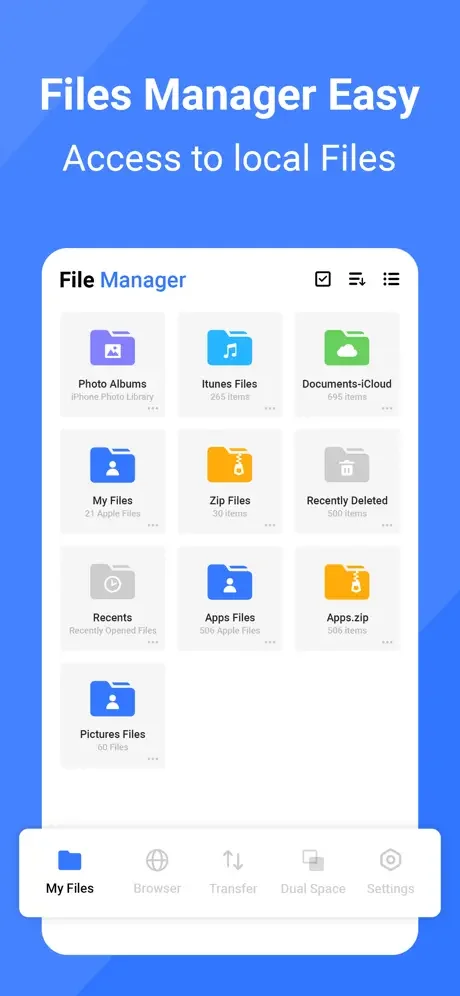
File Manager+ is an easy and powerful file explorer for iPhone. It's free, fast, and full-featured. Because of its simple UI, it's extremely easy to use. You can easily manage storage on your device, NAS(Network-attached storage), and cloud storage.
What's more, you can find out how many files & apps you have on your device at a glance immediately after opening the app.
It supports every file management action (open, search, navigate directory, copy and paste, cut, delete, rename, compress, decompress, transfer, download, bookmark, and organize) for various file formats, including media and apk.
Major locations and functions of File Manager Plus are as follows:
- Main Storage: You can manage all files and folders on both your internal storage and external storage.
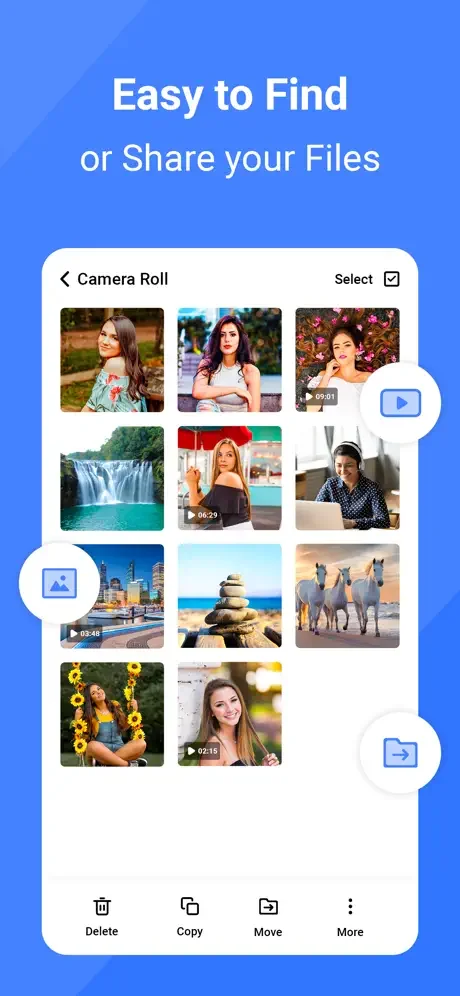
- Downloads / New files / Images / Audio / Videos / Documents: Your files and folders are automatically sorted by their types and characteristics so that you can easily find what you are looking for.
- Apps: You can see and manage all applications installed on your local device.
- Cloud / Remote: You can access your cloud storage and also remote/shared storage like NAS and FTP server. (Cloud storage: Google Drive™, OneDrive, Dropbox, Box, and Yandex)
- Add Data from PC: You can add any files to the device storage from a PC using FTP(File Transfer Protocol).
- Storage analysis: You can analyse local storage to clean up useless files. You can find out which files and apps take up the most space.
- Internal image viewer / Internal music player/ Internal text editor: You can choose to use built-in utilities for faster and better performance.
Get unlimited access to all premium files and media storage. Subscribe to the Monthly File Manager Pro at $1.99 and the Yearly File Manager Pro at $9.99 to use ad-free versions of the premium app, which you can cancel anytime.
Privacy Policy: https://zipoapps.com/mediamanagerios/privacy/
See how simple file management can be