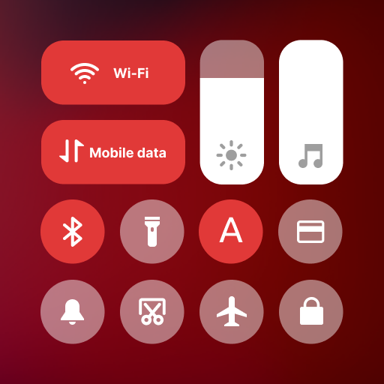
Transform Your Android Into Your Dream Device
Take complete control of your phone with a beautiful, customizable control center that gives you instant access to everything you need. Swipe right for settings, left for notifications – it's that simple.
Everything You Need, Right at Your Fingertips
Separate What Matters Most
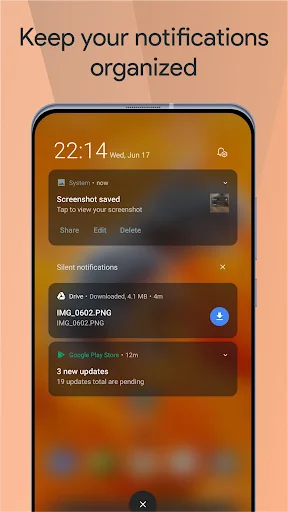
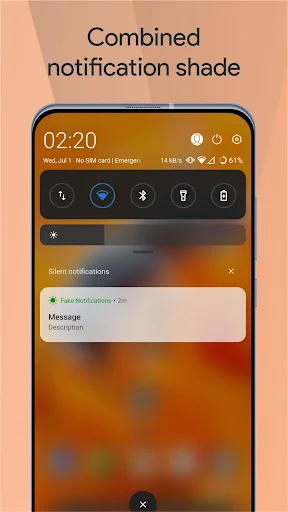
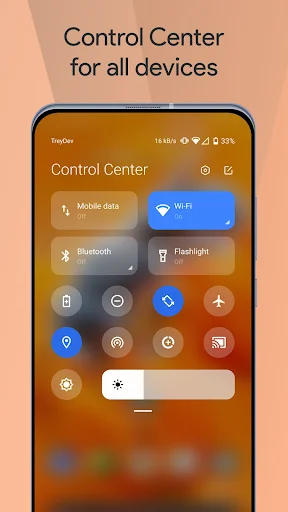
Stop mixing notifications with settings. Swipe from the left for notifications, right for your control center. Finally, a clean and organized way to manage your phone that actually makes sense.
Make It Uniquely Yours
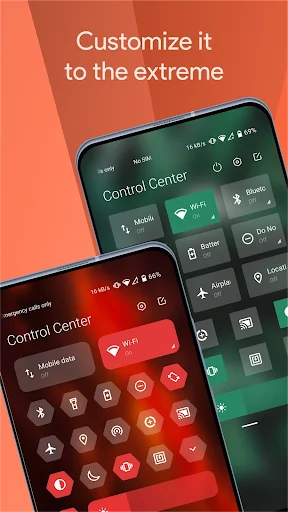
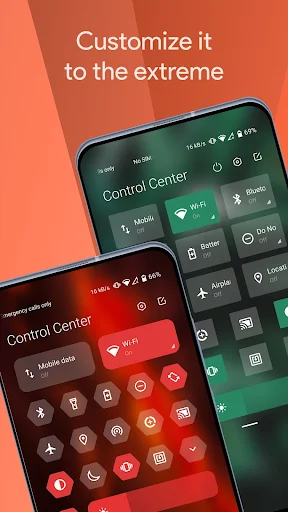
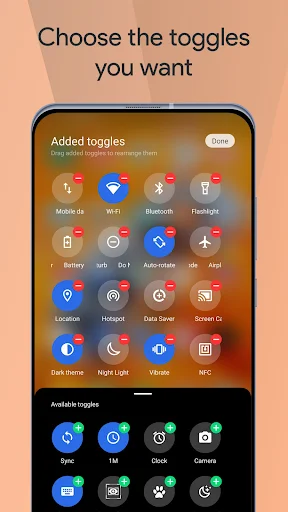
Choose from iOS or MIUI designs, then customize every color, shape, and background to match your style perfectly. Create a control center that looks amazing with any wallpaper or theme you love.
Control Everything Instantly
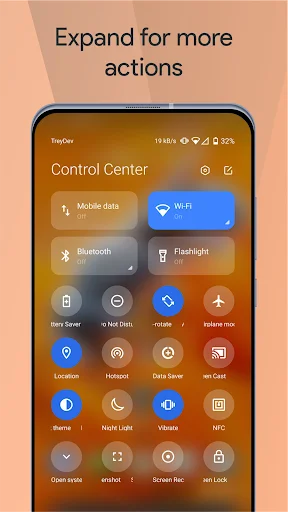
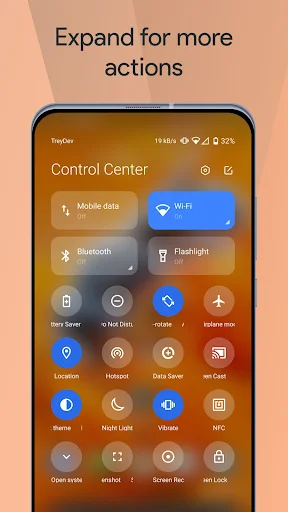
Access your camera, screen recorder, night mode, volume, and favorite apps with one quick swipe. No more digging through menus – everything you use daily is now just a tap away.
Smarter Notification Management
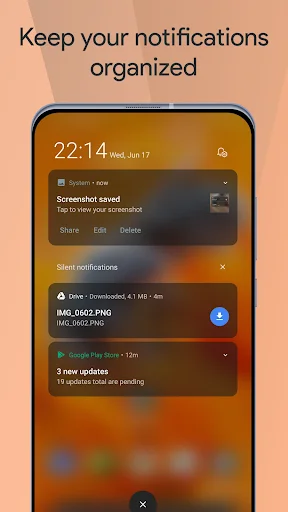
Stop notification spam with automatic bundling, reply to messages instantly without opening apps, and enjoy dynamic music controls that adapt to your album artwork. Your notifications, finally under control.
About
Mi Control Center - Customize Your Device!
Mi Control Center is a unique phone customizer and it will change the way you use your device. Personalize your phone to MIUI or iOS design easily with a powerful control center!
Fantastic Control Center - Customize Your Device!
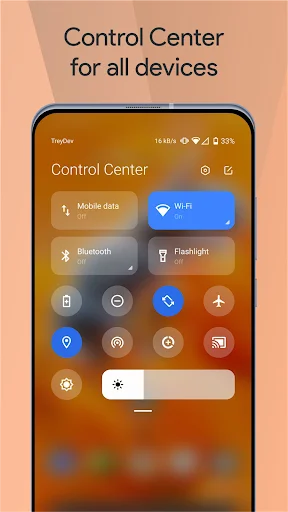
Quick access to the camera, clock, and other settings in the control center. Powerful options to customize your mobile with quick access to settings and actions.
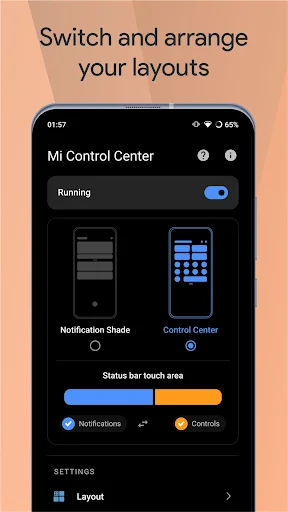
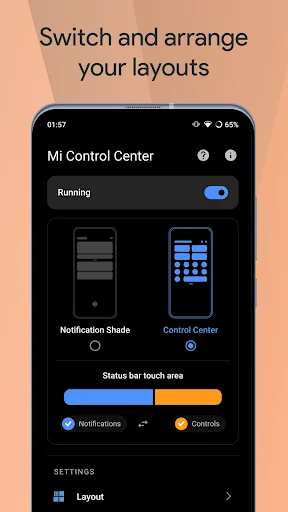
Separate your quick settings from your notifications. Swipe down from the left of the status bar to read your notifications and from the right side to control your device settings and perform meaningful actions. Trigger areas can be customized as you wish.
MIUI and iOS Control Center for Your Android Device!
You can change your phone to MIUI and iOS design very easily and in few steps, then configure everything to your preferences.
Mi Control Center gives you quick access to settings, screen recorders, screenshots, night mode changes, screen locks, volume controllers and your favorite applications.
Features
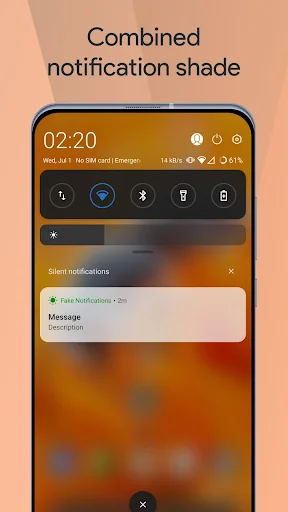
- Two different layouts: combined notifications and quick toggles, or separate with control center. Similar to MIUI 12+.
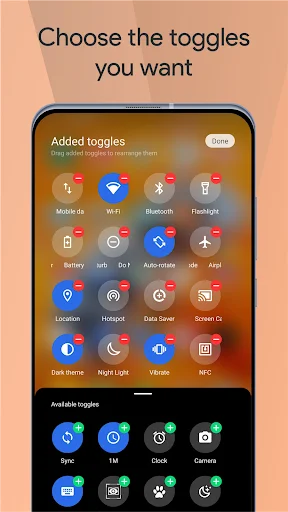
- Full color customization: Take the base layout and color all the elements how you like.
- Powerful options to customize mobile
- Useful icons with your current device information
- Choose your own profile picture to be displayed in the shade.
- Choose between a number of tile icon shapes (circle, square, teardrop, gradients and more)
- (Pro) Change quick settings grid layout (ie. number of columns and rows).
- Adjustable background types: Choose a solid color, live or image static blur. Change the transparency and blur amount.
- Advanced custom notification bar: Get, read, snooze or dismiss it.
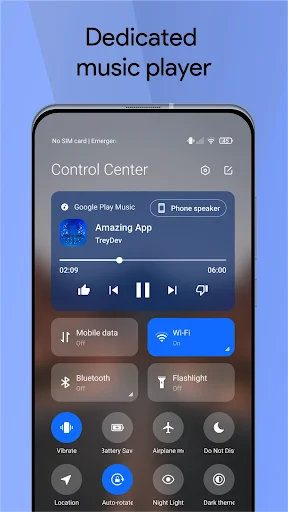
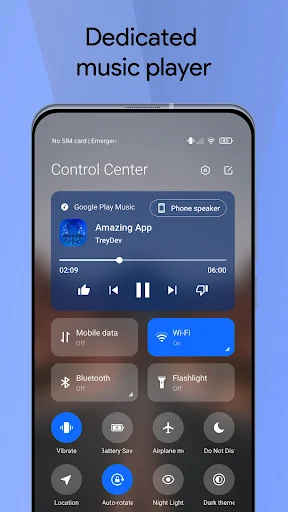
- Advanced music: Dynamic colors based on the currently playing album artwork. You can skip to any part of the track right from the notification's progress bar.
- Quick reply: Reply to your messages as soon as you see them. For all Android devices.
- Auto bundled: Tired of that one app that spams you with notifications? Now they're all grouped together, for easy control.
- Custom background picture: Pick your favorite image to be displayed in the shade. Customize mobile with unique control center easily!
Completely change the way your use your Android phone today with Mi Control Center! Personalize your device and enjoy it every second you use it! Amazing notification bar and quick actions!
Use of Accessibility Service
Mi Control Center app uses the AccessibilityService API to provide the best possible experience.
- We do not collect any personal information through accessibility services.
- We will not read your screen's sensitive data or any content.
- For this app to function properly, we need the Accessibility Permission. Accessibility services are required to receive a response from the system when the top of the screen is touched to trigger the shade and to retrieve window content: Required for automatic clicking of some settings after the user chooses they want to toggle them in the app-provided interface.
See Your Phone in a Whole New Light
Join Millions Who've Already Made the Switch
As someone coming back to personalising their phones, this dev has made the process simple, intuitive and exciting. Quick to respond to emails (I've never understood why people leave reviews instead of sending emails), Trey is a legend. I've been doing this sort of thing since before my iPhone 3GS and this guy's stuff rocks. I've bought 2 of his apps and they actually compliment each other very well. A huge well done and guys, if you have any problems or suggestions, please email him!
I usually do not use apps like this for very long. I just don't find most of them as clean or useful as they claim especially on Samsung devices with One UI. The one that came up from swiping from the bottom was close, but the swiping from bottom interfered with swipe gestures. This one is the exception! Absolutely beautiful, useful and customizable!!! I lo d everything about this app!! I would give 100 stars if I could. Well done!!
I usually do not write reviews, but maybe I should, since it helps creating a balanced view on a product's quality. This being said, I love this app. It is beautiful, intuitive and a breath of fresh air from my static menu. I highly recommend it. However, some things weren't so clear to me at first, like how to access my notifications, but it all became clear once I understood how the notification slider worked. 5 stars.
It is the best app for Control Center for an *Android* phone. As per my 4 to 5 days experience, I am not having any type of problem. The best thing I like that is the style of opening from right, the CONTROL CENTER and from left, the NOTIFICATION PANEL and the Design and working of each and every TOOL is IMPRESSIVE!, I give a big thank you to the team for making such a FANTASTIC app. Five stars to this app🌟🌟🌟🌟🌟
This app is so cute and helpful, unfortunately it only works on Android. It works extremely well, it's safe, with no viruses or pay walls. :') I highly suggest this app for people who want to customize their phone. The only downsides are a few ads, which don't really bother me, and some options do require you to pay. However, the app works great without paying, I love it. - Seriously, this app is great 💗
Excellent app. I have a Samsung Galaxy Note 8 and I really don't like One UI. So I downloaded this and I really like the amount of customization, it practically suits any wallpaper or theme I have going on. The colors and resizing is what makes this better then any other notification shade. The app is very easy to navigate through and even my least favorite thing (the control panel) is still good. 5/5!