Convert Any Image Format in Seconds
Transform your photos into JPG, PNG, PDF, WEBP, and 12+ formats instantly. Compress files without losing quality and share them anywhere – all from one simple app.
Everything You Need for Perfect Images
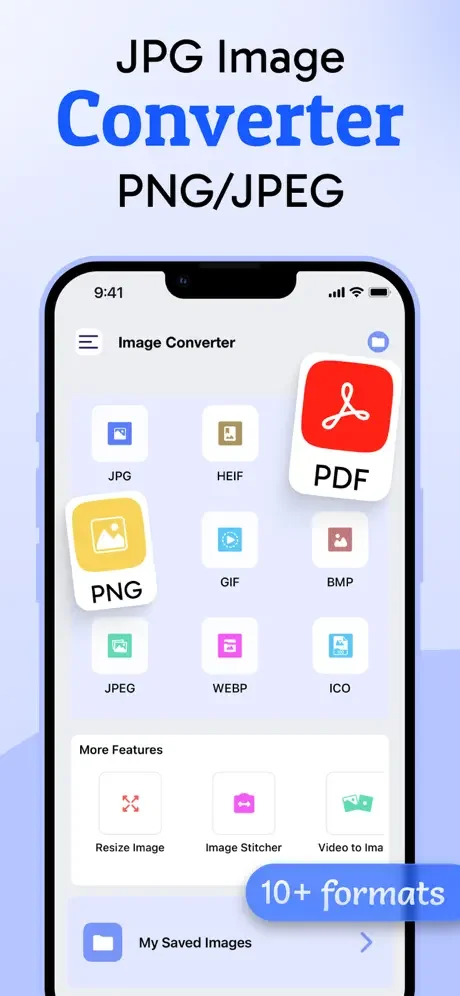
Support for 12+ Formats
Convert to JPG, PNG, PDF, GIF, WEBP, BMP, TIFF, and more. Never worry about format compatibility again – your images work everywhere you need them.
Compress Without Quality Loss
Reduce file sizes while keeping your photos crystal clear. Free up storage space and share images faster through email, messaging, or social media.
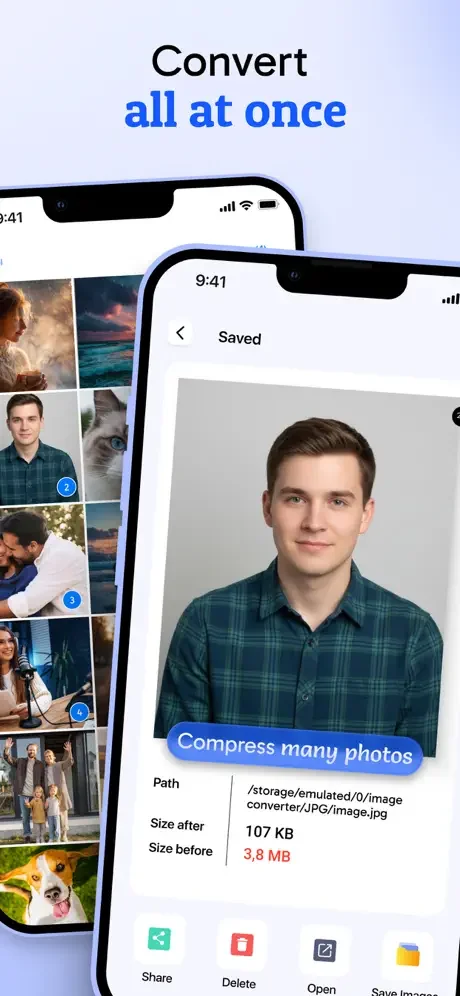
Convert Multiple Images at Once
Save time by converting entire photo batches in one go. Perfect for professionals, students, and anyone managing large image collections.
Edit, Convert, and Share Instantly
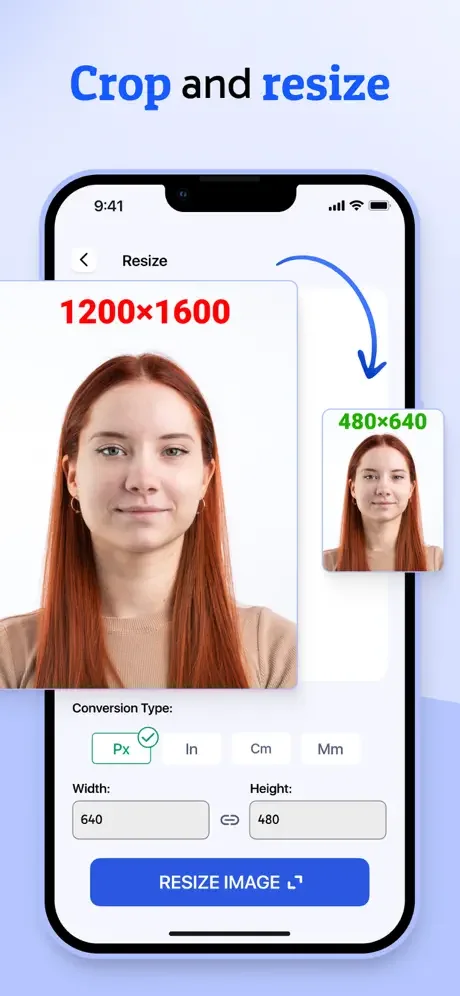
Crop and adjust images before converting, then share directly from the app. No need to juggle multiple tools – everything you need is in one place.
About
Easily convert and compress your photos with JPG Image Converter PNG/JPEG
The ultimate image format converter and photo compressor app. Whether you need to change an image extension, reduce photo size, or prepare pictures for sharing and storage, this fast and simple converter makes it effortless.
With support for all popular image formats, you can convert your photos into JPG, PNG, PDF, GIF, WEBP, PSD, EXR, ICO, TIFF, WBMP, BMP, and many more. The app also includes an easy-to-use JPEG image compressor that lets you reduce file size without losing quality.
Perfect for students, professionals, designers, and anyone who works with images, JPG Image Converter ensures your photos are always in the format you need.
How It Works
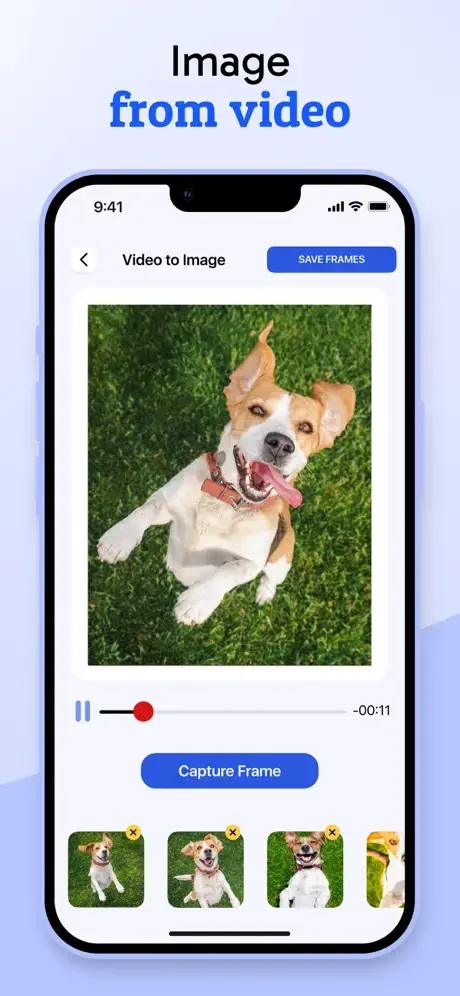
- Select photos directly from your gallery or capture with the camera.
- Edit or crop images before converting.
- Choose the output format: JPG, PNG, PDF, JPEG, WEBP, GIF, BMP, and more.
- Rename converted images for better organization.
- Reduce image size and adjust compression levels to balance quality and storage.
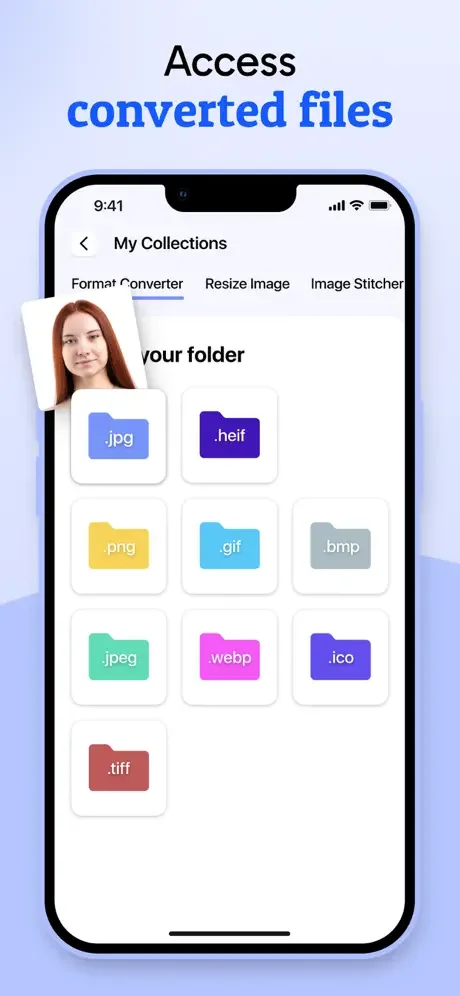
- Save converted files in your folder or share instantly from the app.
Key Features
- Convert single or multiple images at once.
- Support for major formats: JPG, PNG, JPEG, PDF, WEBP, GIF, BMP, TIFF, ICO, PSD, EXR, WBMP.
- Built-in photo editor: crop and adjust images before conversion.
- Compression tool to reduce image size while maintaining quality.
- Rename converted files for easy management.
- Quick and smooth conversion process.
- Save directly to your device or share via messaging, email, or cloud.
Why Choose JPG Image Converter PNG/JPEG?
- All-in-one image converter and compressor.
- Easy-to-use, fast, and reliable.
- Lightweight app with professional-grade results.
- Perfect for preparing photos for social media, email, websites, printing, or storage optimization.
Subscription Options
JPG Image Converter PNG/JPEG app offers the following auto-renewing subscription:
- Monthly: $4.99/Month
- Weekly: $2.99/Week
- Lifetime: $29.99
This price of scanner app is for United States customers. Pricing in other countries may vary and actual charges may be converted to your local currency depending on the country of residence.
At confirmation of purchase the subscription payment will be charged to iTunes Account. Subscription automatically renews unless auto-renew is turned off at least 24-hours before the end of the current period. Account will be charged for renewal within 24-hours prior to the end of the current period and identify the cost of the renewal. Subscriptions may be managed by the user and auto-renewal may be turned off by going to the user's Account Settings after purchase
See How Simple Image Conversion Can Be
Join Thousands of Happy Users
It absolutely works. get it now while it’s affordable.
I didn’t have to pay 😭
This is nice app
I love this app
Awesome App…
Great!