Transform Your iPhone Into Your Masterpiece
Create stunning, personalized homescreens in seconds with custom icons, widgets, and wallpapers that perfectly match your style. No design skills required – just your unique vision.
Everything You Need to Express Yourself
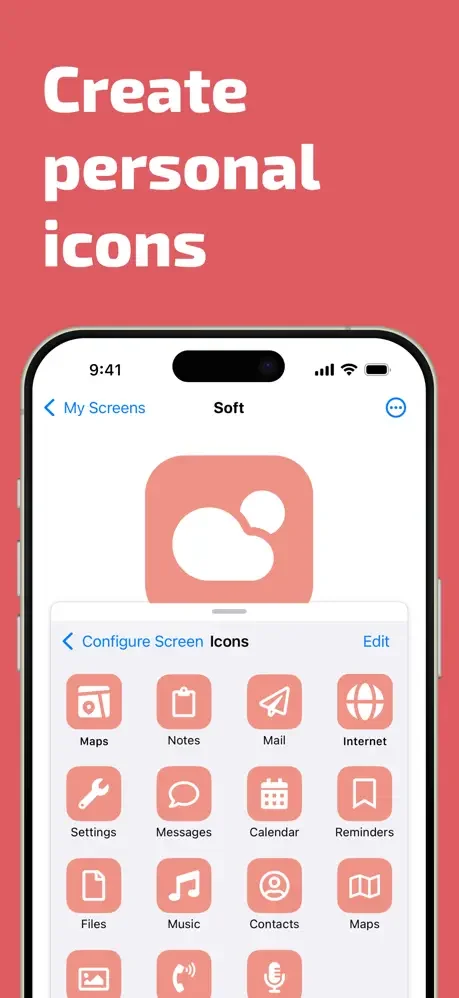
Design Icons Effortlessly
Choose from over 1,500 beautiful glyphs and customize them with your favorite colors, gradients, and borders. Import your own photos to create truly unique icons that no one else has.
Perfectly Coordinated Color Schemes
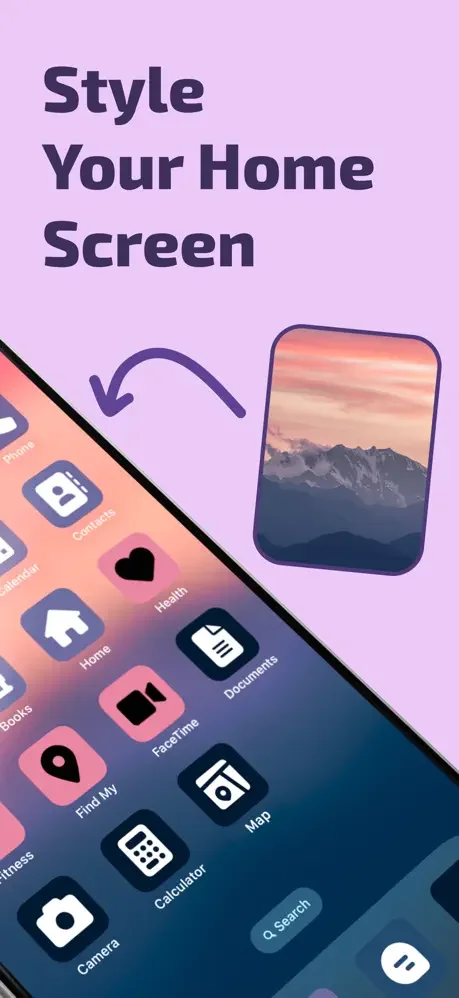
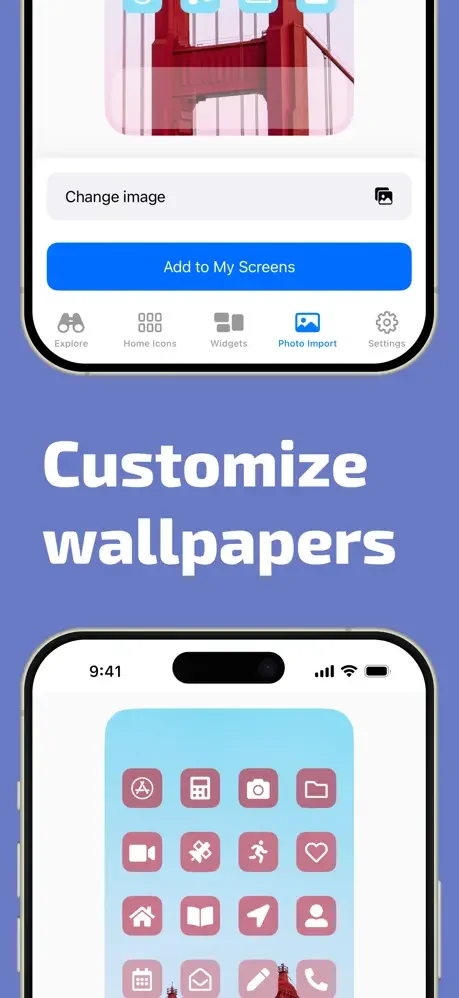
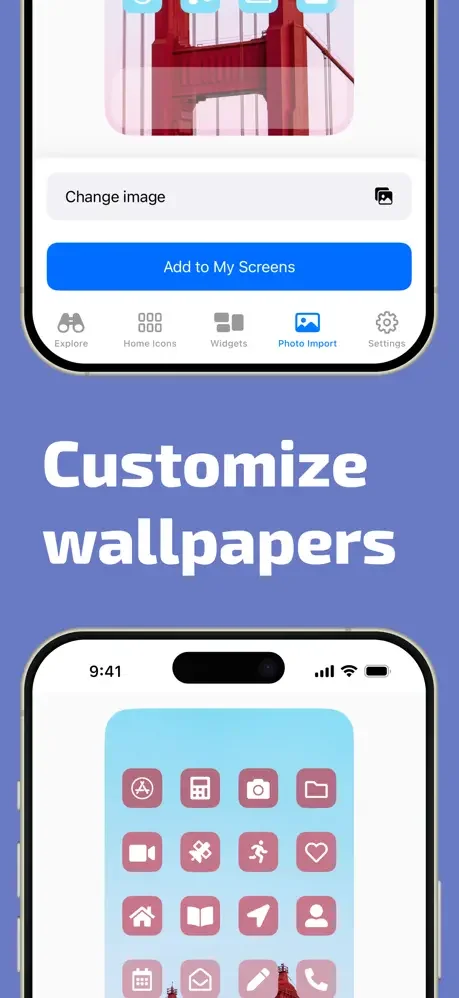
Our smart image recognition instantly extracts colors from your photos to create matching icon sets. Your icons and wallpaper will always look like they belong together – creating a cohesive, professional aesthetic.
Switch Styles Instantly
Save unlimited homescreen configurations and change your entire look with one tap. Match your phone to your mood, season, or outfit without spending hours recreating your design.
Launch Apps Lightning Fast
Add custom widgets to your lock screen and homescreen for instant access to your favorite apps. Open Instagram, TikTok, Calendar, or any app you love in a single tap – beautifully designed and perfectly placed.
About
Iconboard
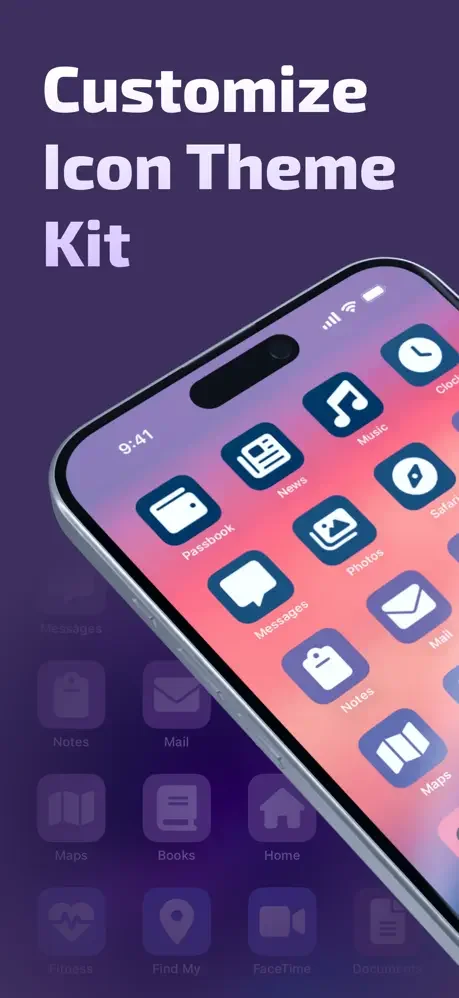
Iconboard allows you to create, manage, and apply icon configurations for your iOS homescreen:
- Add icons to your lock screen thanks to Widgets (requires iOS 16)
- Create consistent icon sets in seconds.
- Create custom icons from over 1,500 glyphs, applying custom background and border colors & gradients.
- Import images to apply them as icons
- Save different setup configurations to quickly change your styles.
- Generate custom wallpapers as solid or gradient files.
- Customize the action to be performed when opening the icons.
- Invisible icons: Place your icons in any position on the screen with this feature.
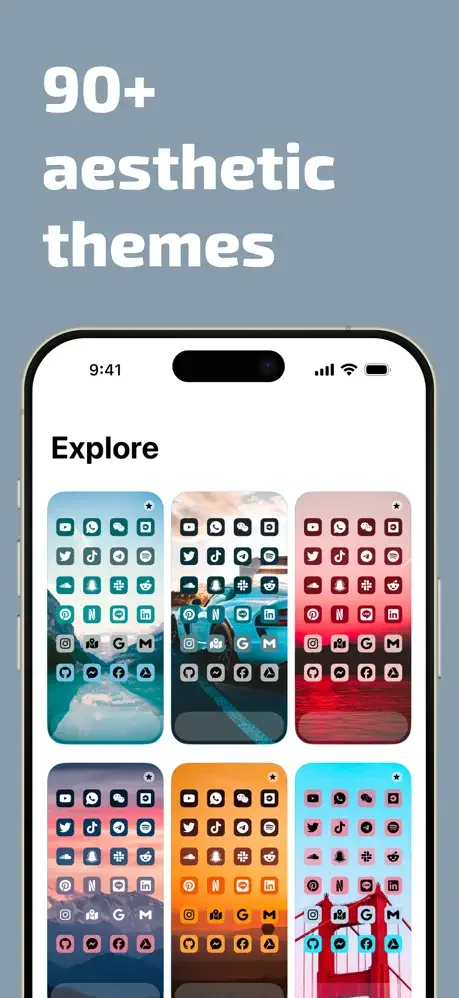
- Custom icon themes to take your customizations further.
- Open App Store apps seamlessly thanks to Shortcuts.
Widgets
Iconboard lets you create lock screen and home screen widgets so you can open your favorite apps more quickly. You can use it to open your calendar, reminders, settings, and even other favorite apps like TikTok, Instagram, Pinterest, or Locket
Make Icons With Your Photos
With its unique image recognition capabilities, Iconboard can extract colors from your pictures and create a beautiful palette with your icons. It really looks like they belong together!
System apps do not open without the shortcuts app because of operating system limitations. Notification badges are also unavailable for this same reason.
Subscription Details
- Monthly and annual subscriptions are available.
- Payment will be charged to your iTunes account after the expiration of the free trial.
- Your subscription will automatically renew unless auto-renewal is disabled at least 24 hours before the end of the current subscription period.
- Automatic renewals will be charged at the same price you were originally charged for the subscription.
- Subscriptions can be managed or canceled by going to Account Settings on the App Store after purchase.
See the Beautiful Possibilities
Loved by Thousands of Creative Users
For several reasons, not the least of which is the ability to finally customize home screens, I decided to grab an iPhone 12 to replace my old of Lg V30 for my second line. I stumbled across this app on a random search. It is priceless. I'm used to grabbing a 3rd party launcher, and mixing and matching icon packs to get the look I want. With this, not only can I make the exact icon I like, the process is dead simple. And the icons are pulling directly to the app, without involving Siri shortcuts, so opening is just as instantaneous as using the native app without mods. I paid the top tip, but the dev gives you options for free (only functional restrictions are limits to number of profiles, and no blank icons - used to arrange the pages however you want), 4.99, 6.99, and 9.99. You pay for the value you get. 4.99 seems to get you the same features as the 9.99 tier. In any case, this seems to be a 1 stop shop for Home Screen iconography. Color me impressed
This app has all the functionality you could want in a custom icon themer, and more! It takes advantage of lots of fantastic system APIs like the color picker, Files app, and drag and drop; the use of drag and drop is extensive and very natural. The ability to save different home screen configurations is very well done and extremely clever. The developer was even kind enough to bring almost all the major features to us for free! Definitely give this app a try and go support this developer’s great work 👍🏻
I used this app for blending in persona 5 stuff and it worked perfectly plus it’s SUPER easy to use. 10/10
App working as it’s supposed to. It has a little learning curve for sure. Worth the tip.
This app is AMAZING. It works perfectly, and is infinitely better than using Shortcuts.
I didn't know apps open without showing the shortcut screen anymore!