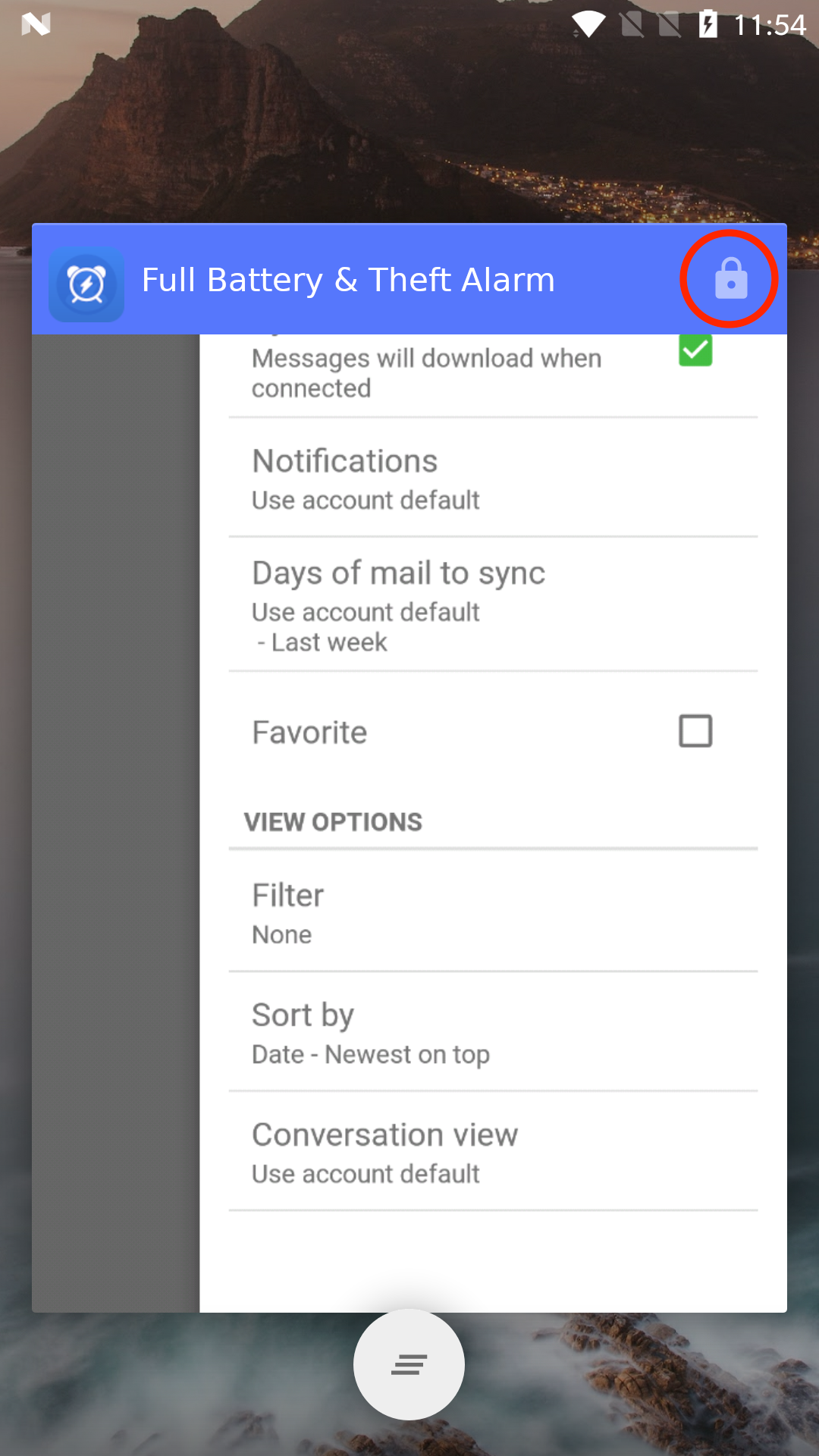
How to turn off background restriction on the OnePlus devices
In case of OnePlus devices, you can see separate settings that restrict background services.
To turn off
restricting background services in Advanced, please refer to the
following steps.
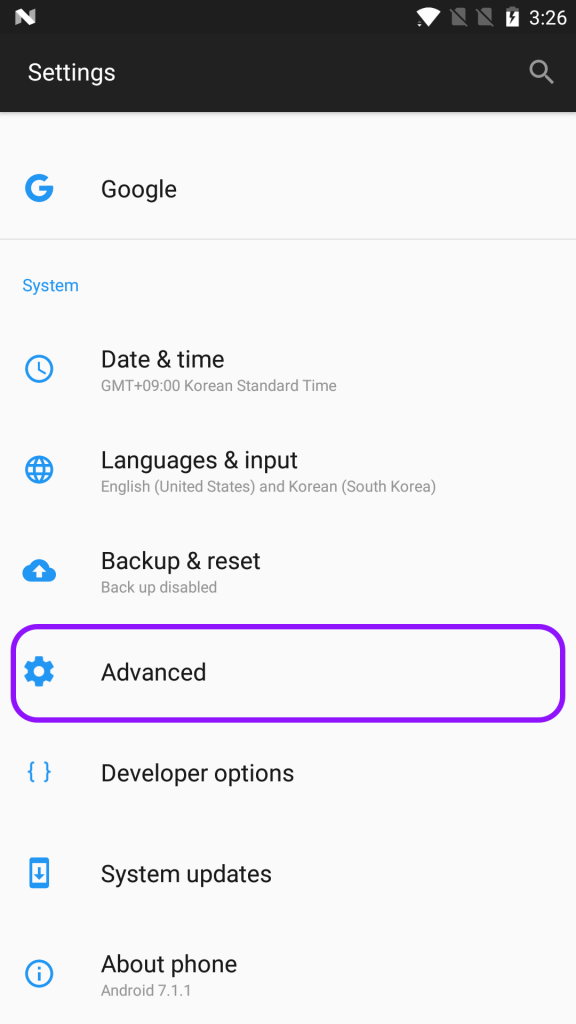
1. Open the Settings on your OnePlus device and tap Advanced.
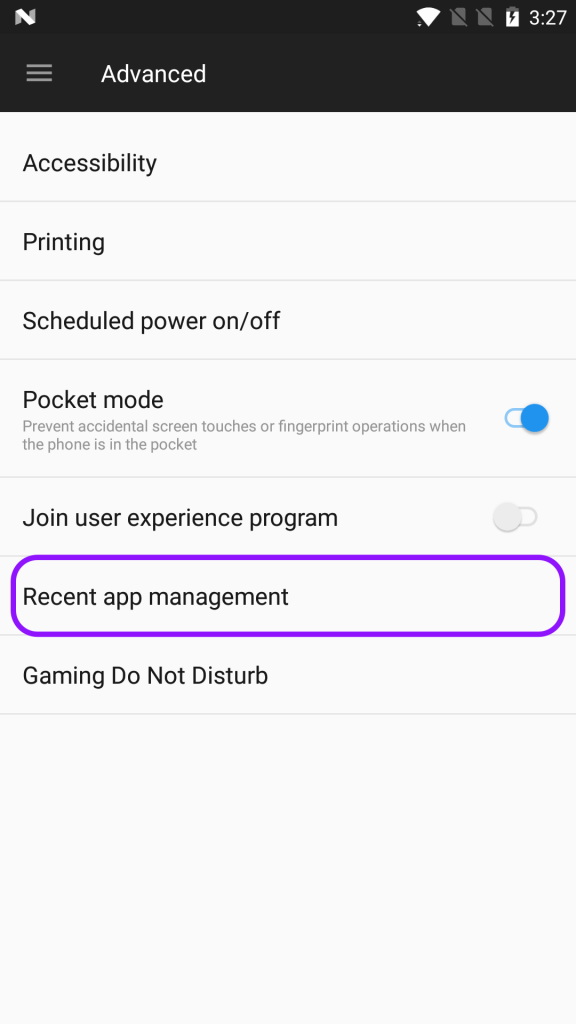
2. Tap Recent app management.
3. Tap Normal clear to clear task list and cache without clearing background process

* Lock Full Battery & Theft Alarm in Recent Apps