Share Files Instantly Without Internet
Transfer photos, videos, music, contacts, and documents between your devices in seconds. No internet needed, no data usage, completely free.
Everything You Need for Easy File Sharing
No Internet Required
Connect devices using local WiFi only – no internet connection or mobile data needed. Keep your transfers private and save your data plan while sharing files anywhere.
Send Large Files Fast
Transfer large videos, photo albums, and files with ultra-high speed. No size limits or waiting – share everything from quick snapshots to full HD videos in seconds.
All File Types Supported
Share photos, videos, music, contacts, and documents from one easy app. Select single files or transfer multiple items at once – it's your choice.
Simple and Completely Free
Connect devices with one tap and start sharing. No subscriptions, no hidden fees, and unlimited transfers. Share as much as you want, whenever you want.
About
File Transfer and Data-Sharing App
The file transfer and data-sharing app is easy to use and designed with the best development expertise to provide the best user experience.
You can easily transfer files, Share Photos, send music and video files, copy contacts, and send documents from one device to another by simply connecting via Wi-Fi. Large file transfer is supported by the File Transfer/Data Sharing App. If you'd like to send your files or transfer data to your friends without any physical exchange, just connect your devices to the same internet connection. Copy your data to any connected device easily and quickly.
How the File Transfer & Data Sharing app works
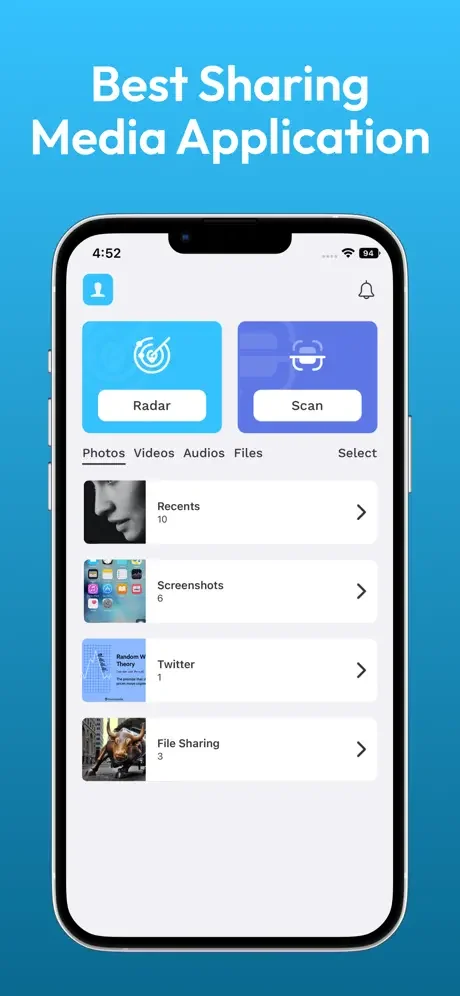
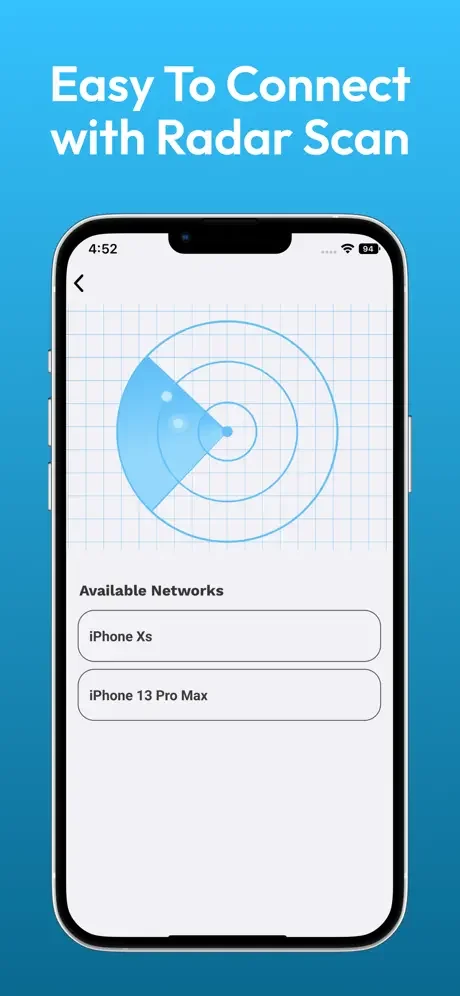
The primary purpose of this file-sharing app is to make it easy for the user to send data with a few clicks. You just have to search for other devices in your wifi network that have also installed the File Transfer and Data Sharing app. After connecting both devices, select photos, videos, music, contacts, and documents.
Multiple file transfer
The file transfer and data sharing app supports multiple file selection, but it depends on device memory. If your selected files shouldn't exceed the available memory. Enjoy this free copy of my data, with unlimited selections of contacts, photos, videos, and documents.
Easy connectivity
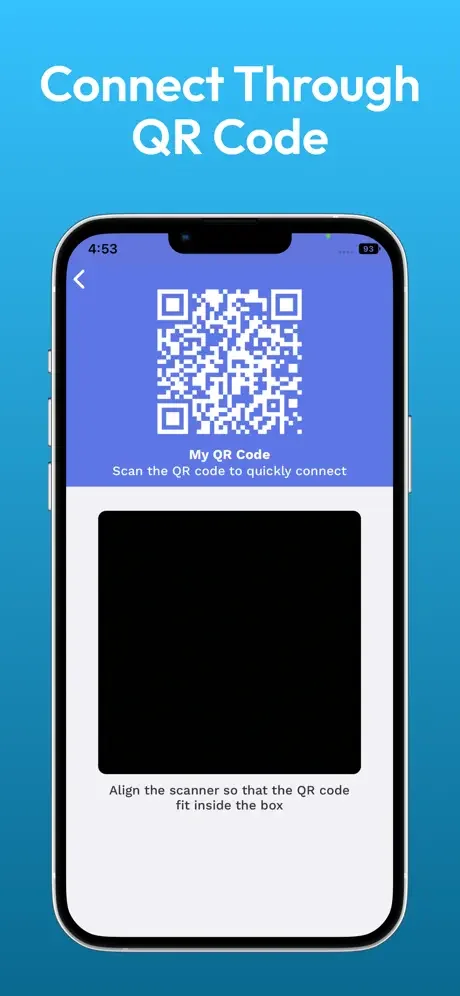
Easy connectivity is the Ace feature of this app. Click Search devices, and all devices with this file-sharing app will be listed under Shared Wi-Fi. Just select the device, the targeted device will get a notification, and if the other device accepts the invitation to connect, then Easy File transfer is in your hands. Select files and send data.
Share Photos
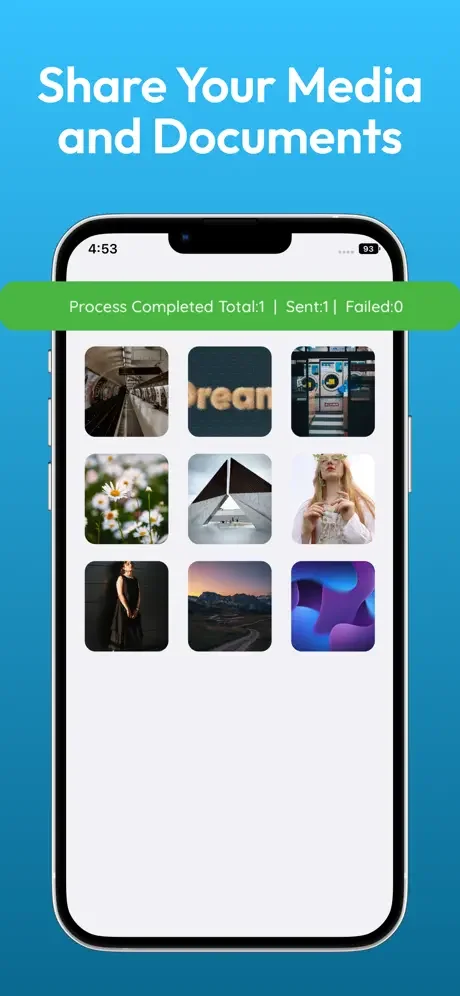
After successful connectivity, the first option is to send a photo through wifi. Click the photo to open your photo gallery. Select a photo, single or multiple, and click on send. This is the easiest way to send or share photos.
Send Videos
Like transferring photos, it's also very easy to send videos, even share large video files. Select Videos and Share them in just a few clicks, like the photos method. This file-sharing app promises secure data sharing.
Share Music
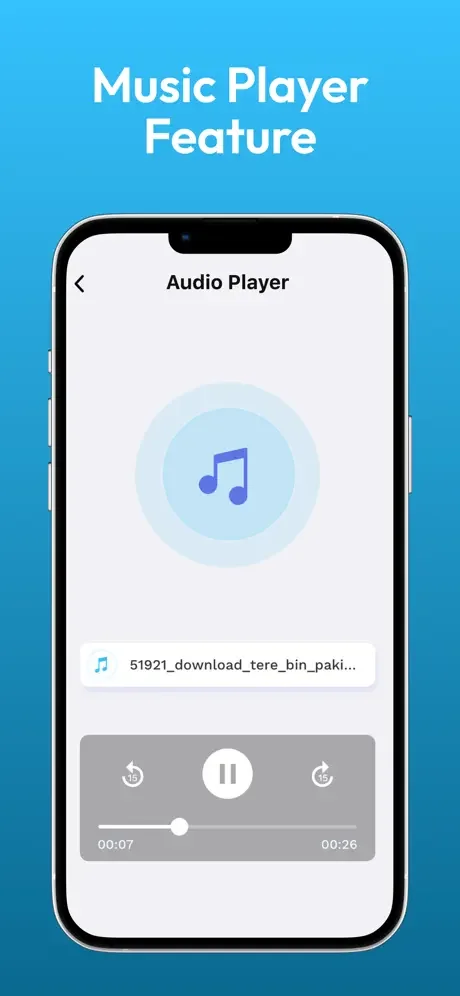
Share your favorite music with your friends and family without any constraints. Like photos, sharing and sending videos, and sharing music can also be done very easily and securely.
Now learn tips for sharing audio, video & files via file transfer. Easily
Copy contacts
Copying your contacts with just a click is possible with the Copy Data app. Select contacts to copy and tell them "how easily I can copy my data". That's the beauty of this file-sharing app.
Transfer Documents
Transfer your selected documents file and send it through wifi.
Why use this copying data app
- Share large files in the connected wifi network
- Don't need any internet for sending data
- With ultra-high speed transfer
- The file-sharing and transfer data app is compatible with all iOS devices
- Transfer files as much as you want without any subscriptions
- Use local wifi with a great, secure connection
Requirements
- Both devices should be on the same network.
- Both devices should be installed, transfer data, and share data app
- The other user has to accept the connectivity invitation
- Selected data size will not exceed the memory of the devices to share it
- Devices should be in range for wifi file transfer
Compatibility
This app is compatible with all iOS devices, such as iPhone, iPod, and iPad. You do not have to worry about any compatibility issues with any devices or versions.
Privacy Policy
https://zipoapps.com/datatransferios/privacy
Terms of Use
See How Simple File Sharing Can Be