Your Accounts Deserve Better Than Passwords
Add an extra security layer to all your online accounts with time-based authentication codes that refresh every 30 seconds. Protect your email, banking, social media, and crypto – all from one secure app.
Security Made Simple
Works Anywhere, No Internet
Unlike SMS codes, your authentication works completely offline. Generate secure login codes anytime, even without cellular service or WiFi connection.
All Accounts, One App
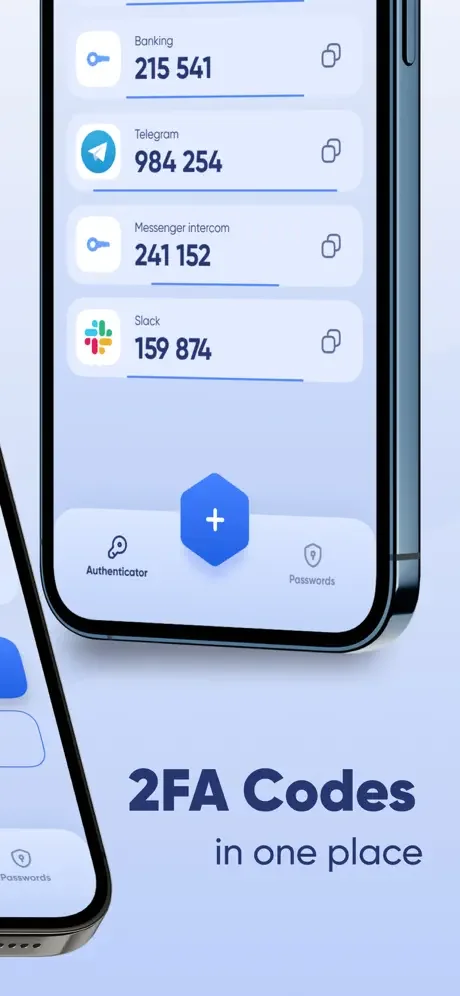
Stop juggling multiple authentication apps. Securely manage 2FA codes for email, banking, social media, and crypto wallets – all in one convenient place.
Never Lose Access Again
Switching to a new phone? Your authentication codes are safely backed up in the cloud. Restore everything seamlessly when you upgrade devices.
Set Up in Seconds
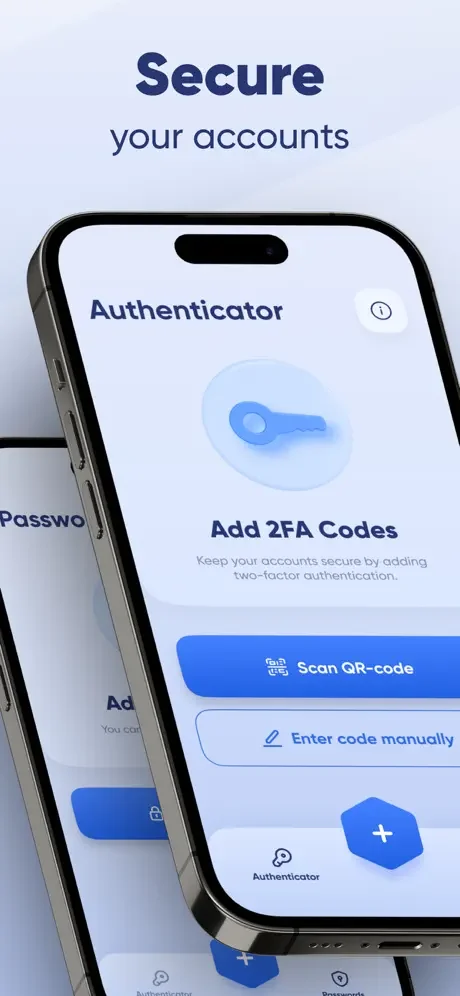
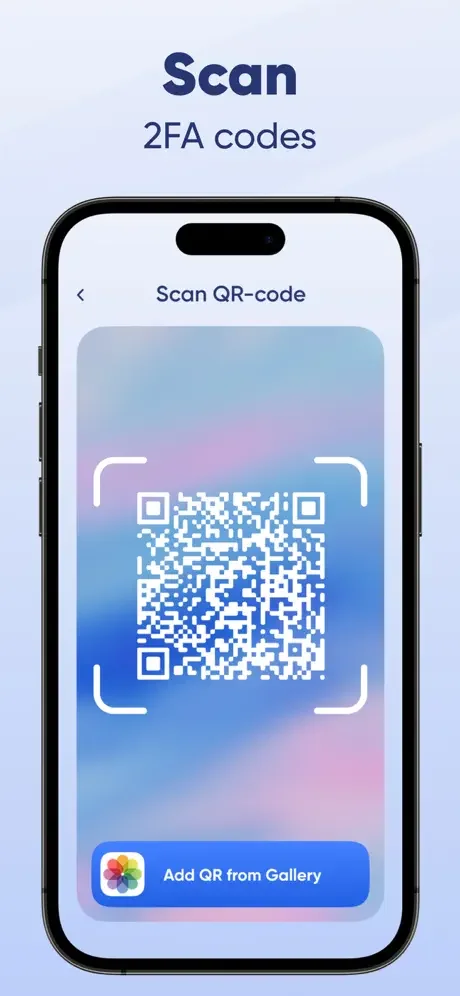
Scan a QR code and you're protected. No complicated technical setup or expertise required – just instant security for all your accounts.
About
In today's digital world, passwords alone aren't enough to keep your online accounts safe. That's where Authenticator: Mobile 2FA, MFA comes in. This app adds an extra layer of security to your accounts by generating secure, time-based one-time passwords (TOTP), ensuring only you can access your data.
Whether you're logging into your email, social media, banking apps, or work accounts, our two-factor authentication (2FA) and multi-factor authentication (MFA) solution makes account protection easier and more reliable than ever.
Protect your data with our powerful authenticator app. This password app enhances security using two factor authentication codes that refresh every 30 secs. Store all accounts in one password app, backed by two factor authentication and offline access. The authenticator app is your go-to password app for secure two factor authentication. Download our authenticator app now for total peace of mind.
Why Choose Our Authenticator App?
Fast & Easy Setup
Securing your accounts takes just a few seconds. Simply scan a QR code or enter your account details manually, and the app will instantly generate secure 6-digit codes for login authentication. No complicated setup—just instant protection.
Secure Time-Based One-Time Passwords (TOTP)
With 2FA and MFA, the app generates TOTP codes that refresh every 30 seconds, keeping your logins safe from hackers. Even if someone gets your password, they can't access your account without the verification code.
Store & Manage All Your Accounts in One Place
Tired of juggling multiple authentication apps? Keep all your 2FA-protected accounts securely stored in one app—whether it's email, social media, cryptocurrency wallets, or online banking.
Works Completely Offline
Unlike SMS-based authentication, our app doesn't require an internet connection. Your one-time passwords are generated directly on your device, so you can log in securely anytime, anywhere.
Secure Cloud Backup & Device Sync
Never lose access to your 2FA codes again. With cloud backup and device syncing, you can restore your authentication data when switching to a new phone.
Advanced Security Features
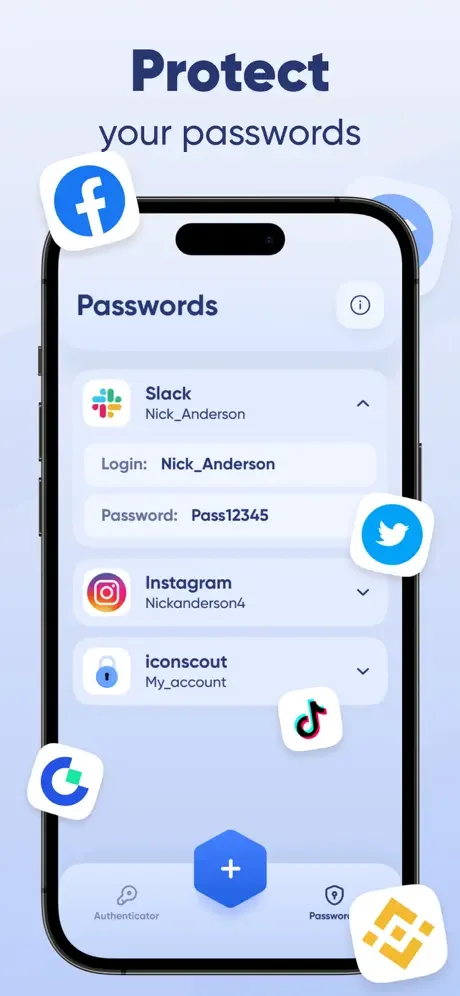
- Biometric & PIN protection – Lock the app using a fingerprint, Face ID, or a PIN for extra security.
- Auto-fill & Copy to Clipboard – Quickly enter your 2FA codes without hassle.
- Multiple device support – Access your authentication codes from different devices without losing security.
How Does It Work?
- Install Authenticator: Mobile 2FA, MFA on your device.
- Scan a QR code or enter the secret key manually.
- Use the generated 6-digit codes to log in securely.
- That's it. Your accounts are now protected with an extra security layer.
Stay One Step Ahead of Hackers
Cyber threats are increasing every day—don't wait until it's too late. Download Authenticator: Mobile 2FA, MFA now and take control of your online security.
See How Easy Security Can Be