Learn to Draw Like a Pro
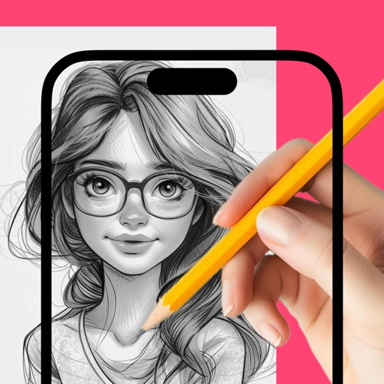
No artistic talent required. Transform any photo into a beautiful sketch and trace it effortlessly using your phone. Master drawing without expensive lessons or complicated techniques.
Everything You Need to Create Amazing Art
Project and Trace Easily
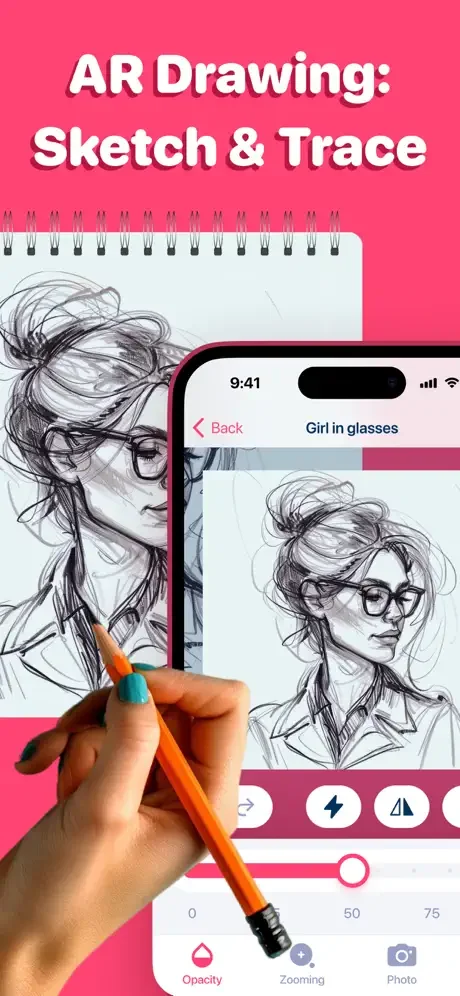
Simply position your phone above your paper using a tripod or stand, and watch as your chosen image projects onto your drawing surface. Follow the guide and create perfectly proportioned sketches every time.
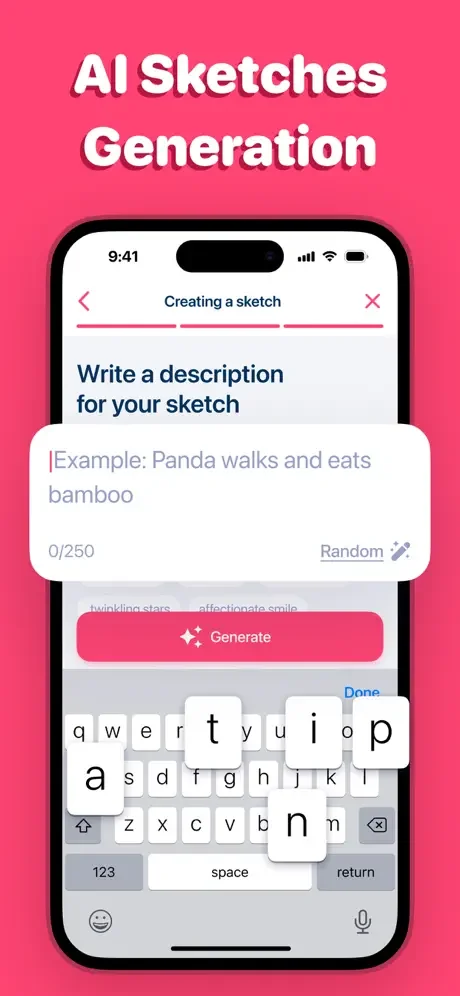
AI-Powered Sketch Generator
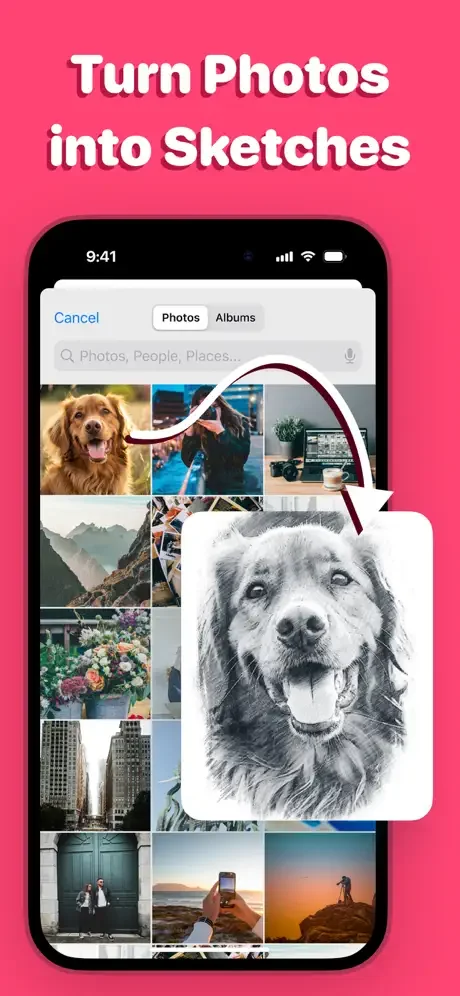
Turn any photo into a custom sketch template instantly with our smart AI technology. Capture a scene you love or choose from your gallery, and get a perfect tracing guide in seconds.
Endless Creative Inspiration
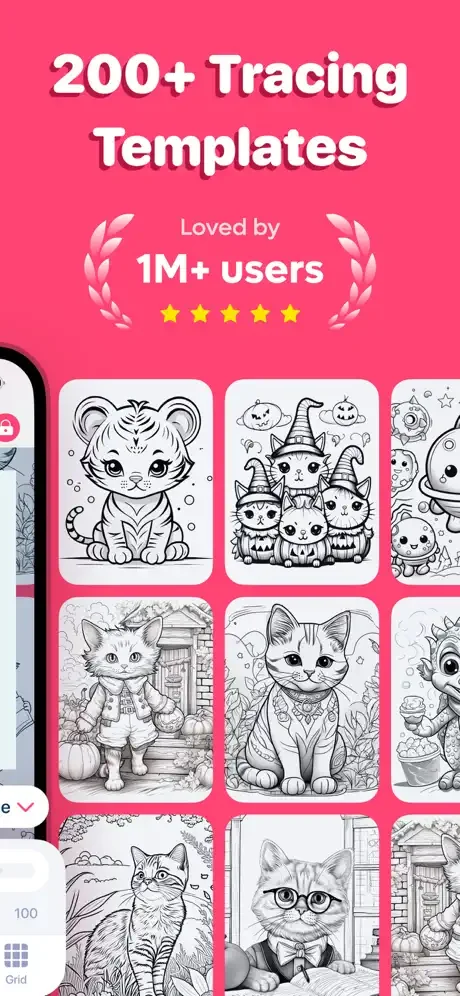
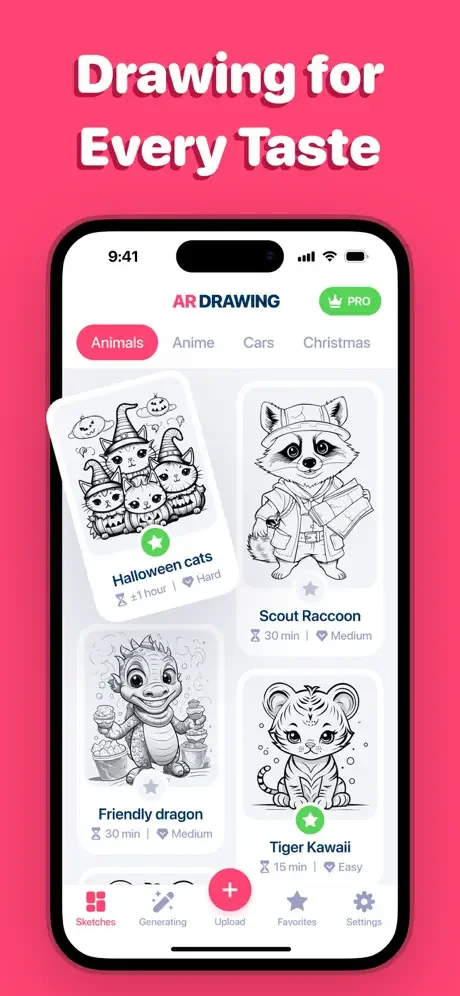
Access a library of pre-made templates or use your own photos to create unlimited unique artwork. From portraits to landscapes, you'll never run out of ideas to bring to life.
No Expensive Equipment Needed
Skip the costly art classes and complicated drawing tools. All you need is your phone and paper to start creating professional-looking sketches right away.
About
Are you a sketching and painting lover but find drawing a challenge? This Trace Drawing app might be your perfect solution. It will help you achieve flawless drawing skills without the need for professional lessons, turning any real-world scene into a sketch with ease.
Here's how you can use it:
- Pick a photo or line drawing you want to trace.
- Choose images from your gallery or the app's pre-made templates.
- Position your phone above your drawing surface using a tripod or a makeshift stand.
- Adjust the image to create an ideal tracing guide.
- Generate custom AI-powered sketches.
- Trace or draw by following the projected image.
Subscription Information
- Pricing in countries may vary, and actual charges may be converted to your local currency depending on the country of residence.
- Payment will be charged to your iTunes Account at confirmation of purchase.
- Subscription will be automatically renewed. Auto-renew can be turned off at least 24 hours before the end of the current period.
- Your account will be charged for renewal within 24 hours prior to the end of the current period, and identify the cost of the renewal.
- Subscriptions may be managed by you, and auto-renewal may be turned off by going to the user's iTunes Account Settings.
Additional Resources
For more information, use Apple Support links:
Privacy Policy: https://zipoapps.com/ardrawingios/privacy
Terms of Use: https://zipoapps.com/ardrawingios/terms
See How Simple Drawing Can Be