
Share Your Phone Without Sharing Everything
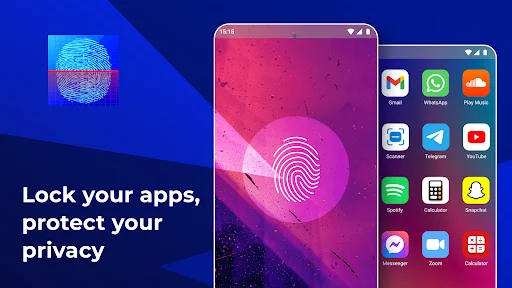
Lock individual apps with fingerprint, password, or pattern protection. Hand over your phone confidently knowing your private messages, photos, and sensitive apps stay secure.
Privacy Protection That Works For You
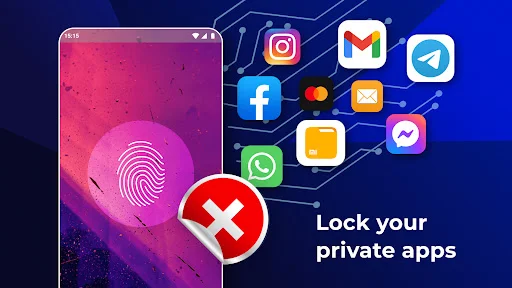
Lock What Matters Most
Choose exactly which apps need protection – from messages and photos to banking and dating apps. No need to lock everything when you only want to secure your personal content.
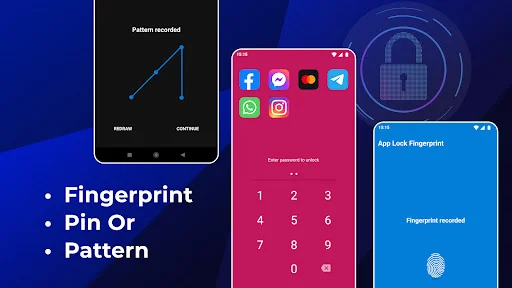
Your Choice of Security
Use fingerprint unlock on supported devices, or choose from password, pattern, or knock code options. Pick the lock method that fits your device and preference for quick, convenient security.
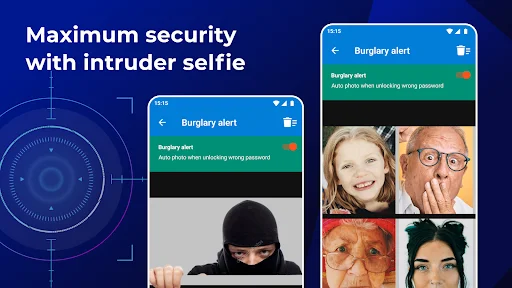
Catch Intruders Red-Handed
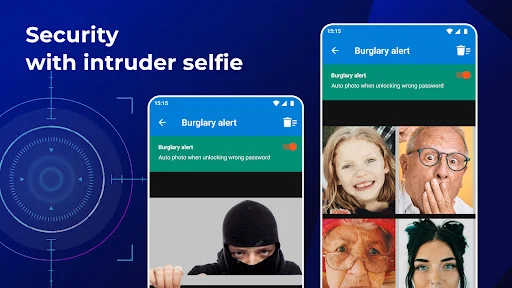
Automatically capture a selfie when someone enters the wrong password. Know exactly who tried to access your locked apps and set off an alarm to deter snooping attempts.
Invisible Pattern Protection
Activate stealth mode with an invisible pattern that hides the drawn path from prying eyes. Customize your lock screen with personal themes and backgrounds for security that reflects your style.
About
What is Fingerprint AppLock: Lock Apps?
An Android app locker that lets you choose which applications require an unlock step. Use a fingerprint lock on supported devices, or choose a password, pattern or knock code.
Who is Fingerprint AppLock: Lock Apps for?
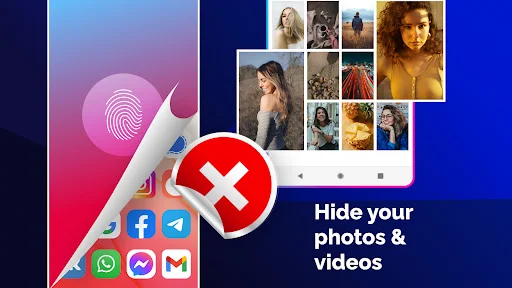
For people who lend their phone to friends or family and want a boundary around personal apps. Keep messages or your gallery behind an application lock before handing over your phone.
What does Fingerprint AppLock: Lock Apps do?
- Select individual apps to lock;
- Use an invisible pattern to conceal the drawn path;
- Capture an intruder selfie after an incorrect password;
- Sound an alarm when a password is entered incorrectly;
- Personalize the lock theme and background with a gallery image.
The intruder selfie uses the front camera and saves the picture on your device. Gallery locking adds an unlock step before someone can browse that app.
How does Fingerprint AppLock: Lock Apps work?
Choose a lock method and select the applications you want to lock. Enable Accessibility Service access for application locking: it identifies the foreground app and applies your lock and unlock choices.
Compatibility and requirements
Fingerprint lock requires device support. Password, pattern and knock code are alternative lock methods. The app contains ads and offers in-app purchases.
Privacy
App information and performance data, along with device or other identifiers, may be collected and shared with third parties.
With Fingerprint AppLock: Lock Apps, choose which personal apps need an unlock step when someone else uses your phone.
Permission
- (QUERY_ALL_PACKAGES): Required to scan and list all installed applications on your device so you can choose which ones to lock and secure.
- (BIND_ACCESSIBILITY_SERVICE): AppLock requires the Accessibility Service permission to detect when a locked app is brought to the foreground and display the lock screen. AppLock only accesses the package name of the active foreground application for locking functionality.
See How Easy Privacy Protection Can Be


Join Millions Who Trust Their Privacy to AppLock
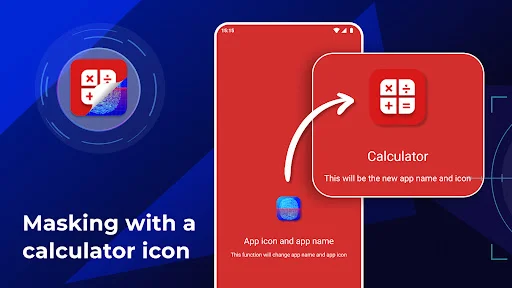
Honestly, I've tried a lot of different apps for this and this is by far one of the coolest ones I have tried. It works well, functions correctly and has a very easy to use and capable interface. I especially like the calculator + function and the fact that it also functions as a calculator as well as an unlock panel.
As an indian i am really proud to use indian application like this much good one. As a samsung user we dont have a app lock, many kind of apps that i used but this is wonderfull app... Please make paid version for those who dont need ads. In say perfect okay മലയാളിടാ
This app is excellent. I am preparing for my career exam and I installed this app and told my siblings to block all the apps which I use so that I cannot be distracted. I am using this app for 5 months and it's performance is really fascinating.
This app is really good to use because it helps lock ur apps when ur friends are going on ur phone and u can lock ur apps so they can not get in to them and i like it alot just like I siad it a very good app to use
Good App So I Have To Do 5 Star Ratings Bu There Is One Problem That There Is Feature Only Of Password/Pin But Not Of Fingerprint 😌😉 And One Feature Is This That It's Name Can Be Changed Into Calculator +
This ap is good for fingerprint and but this app some issues and lag and if u download this app make sure to write comment and rat 5stars pls btw like and subscribe my channel Veer Gaming Brawl Stars