Turn Any Image Into Perfect SVGs
AI-powered technology instantly converts your images into professional, scalable vector graphics. No design experience needed – just tap, convert, and create stunning SVGs for any project in seconds.
Everything You Need for Perfect Vector Graphics
Lightning-Fast AI Conversion
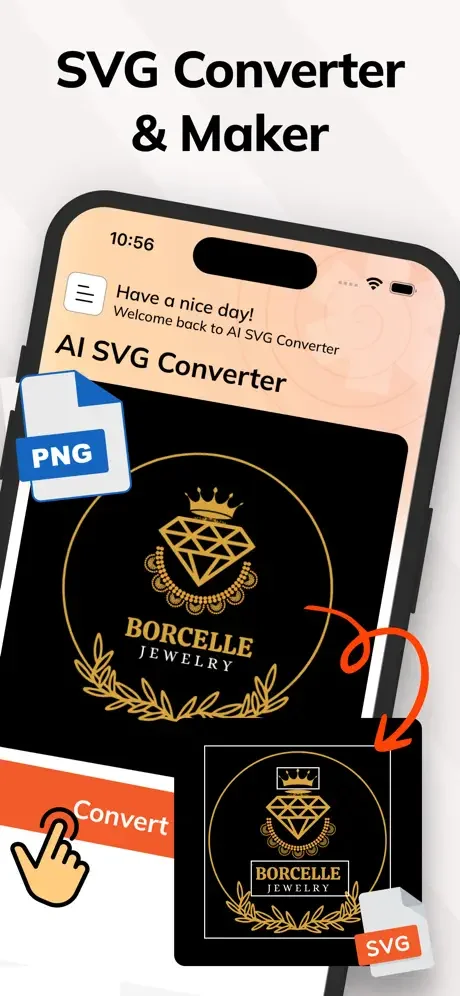
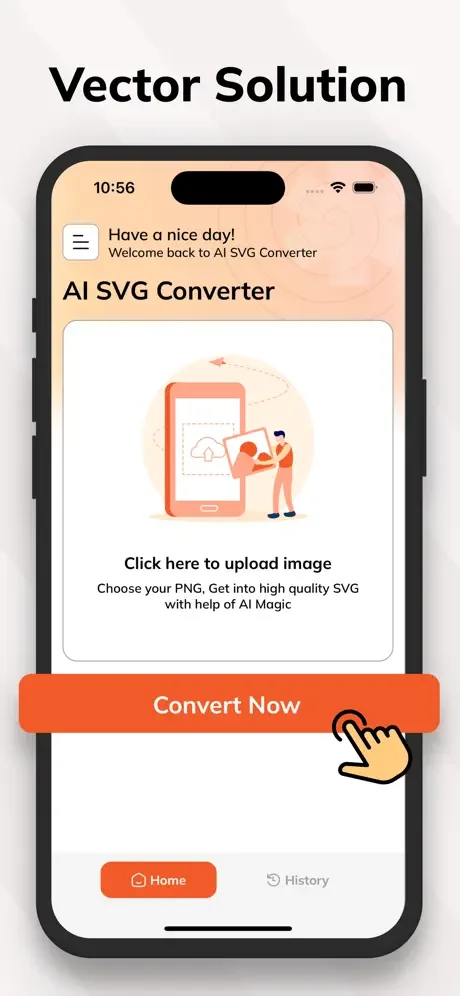
Select any image and watch our AI instantly transform it into a crisp, accurate SVG file. Say goodbye to expensive software and hours of manual tracing – get professional results in seconds, right from your phone.
Professional Quality Every Time
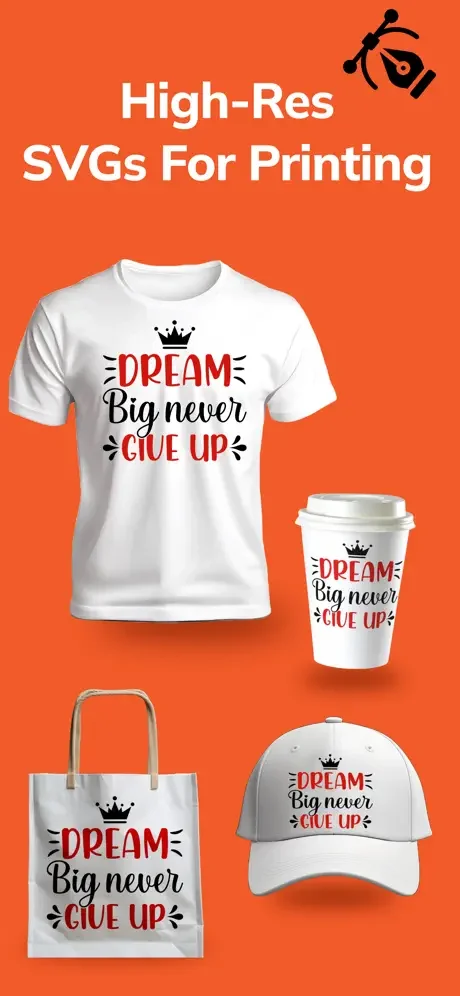
Your SVGs stay sharp and clear at any size, from tiny icons to large banners. Perfect for crafting projects, business logos, web graphics, or print materials – your designs always look their absolute best.
Organize All Your Files
Keep every converted SVG organized and easy to find with our simple file management system. Quickly rename, store, or delete files so you can focus on creating instead of searching for your work.
Share With One Tap
Send your SVG files directly from the app to clients, collaborators, or your cutting machine. No complicated exports or file transfers – just quick, seamless sharing that keeps your projects moving forward.
About
AI SVG Maker - Effortlessly turn your images into svgs & Create SVGs with AI
Unleash the power of vector graphics with AI SVG Converter! Our app lets you easily convert any image into a scalable SVG format. It's perfect for designers, crafters, and creatives who want high-quality SVGs for various projects.
Key Features:
- Instant image to SVG conversion: Select any image from your device and let our AI technology quickly and accurately convert it into an SVG file. Enjoy precision and quality with every conversion.
- Save and share SVGs: Easily save your SVG files for future use, or share them directly from the app to collaborate or showcase your work with others.
- Manage your converted SVGs: Keep track of all your converted files with our organized and accessible file management system. Store, rename, or delete SVGs as needed.
- High-quality output: Get optimized, scalable SVGs that maintain clarity at any size. Perfect for print, web, and creative projects.
Why choose AI SVG Converter?
Our app combines AI-powered accuracy with a user-friendly design to make SVG conversion easy. Whether you're working on a project for business, crafts, or creativity, AI SVG Converter offers a seamless experience, saving you time and delivering professional results.
Convert, create, and share with confidence — download AI SVG Converter today!
Note:
Payment will be charged to your iTunes account at confirmation of purchase. Your subscription will automatically renew unless auto-renew is turned off at least 24-hours before the end of the current subscription period. Your account will be charged for renewal within 24-hours prior to the end of the current subscription period. Automatic renewals will cost the same price you were originally charged for the subscription. After purchase, you can manage your subscriptions and turn off auto-renewal by going to your Account Settings in the App Store. Please read our Terms of Service and Privacy Policy for more information.
Privacy Policy:
https://sites.google.com/view/smartaiapps/privacy-policy
Terms and Conditions:
See How Simple SVG Conversion Can Be